Article · 6 min read
Chat or Cowork? Give Claude a Job, Not Just a Question
When to chat with AI and when to hand it a whole task with a folder and a finish line. The rule, the live demo and the guard rails from Day 2 of Surendra Pandar's QuickLearn Claude Foundations program.
By Surendra Pandar, AI Trainer ·
In short
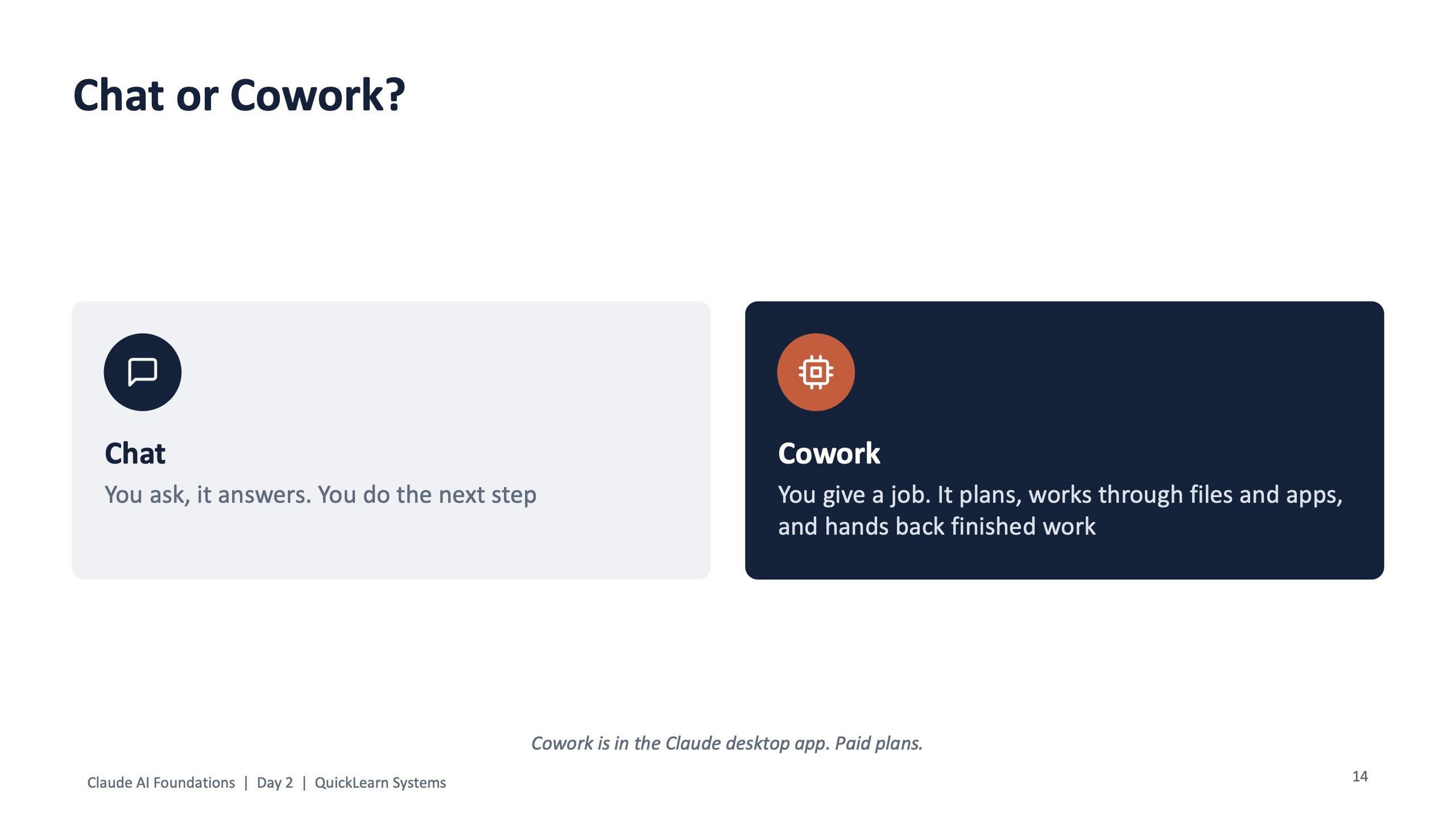
- Chat: you ask, it answers, and you do the next step. Cowork: you give a job, it plans, works through the files and hands back finished work.
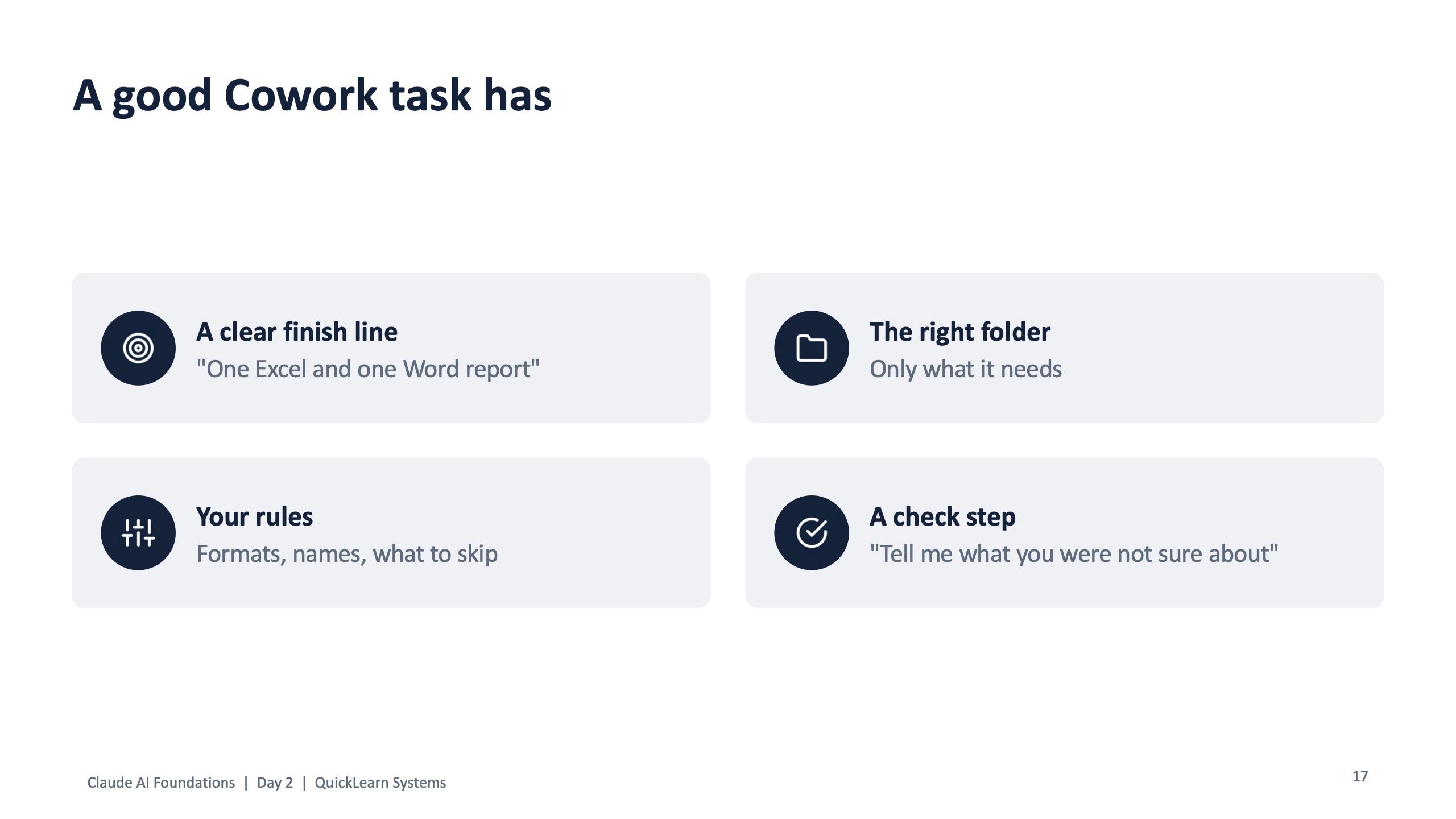
- A good Cowork task has four parts: a clear finish line, your rules, the right folder and a check step.
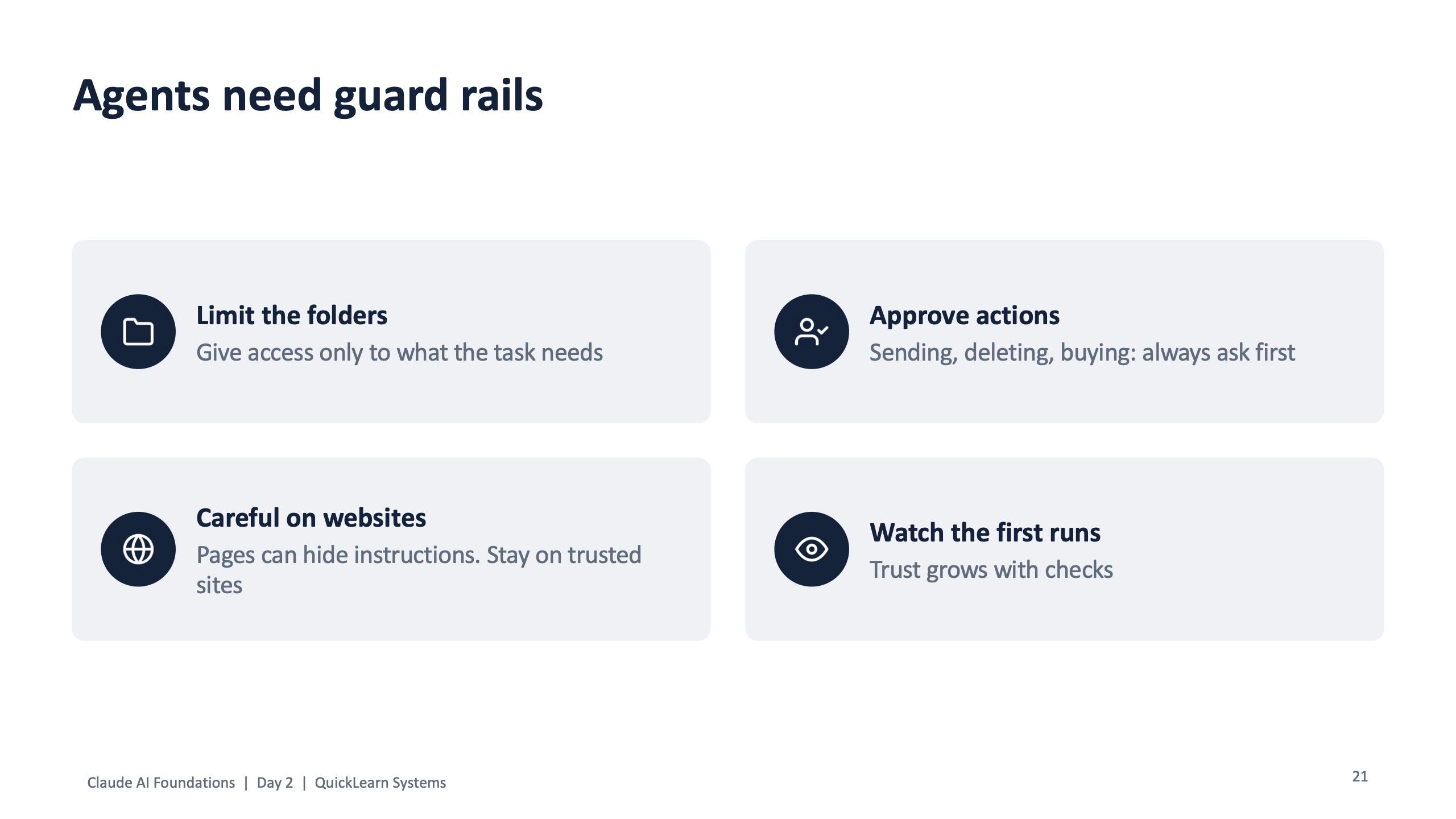
- Agents need guard rails: limit the folders, approve anything that sends, deletes or buys, be careful on websites, and watch the first runs.
- Before you rely on the output, run five checks: numbers, names and times, cause, anything made up, and fit for the reader.
The difference in one line
Most people use AI like a very fast colleague in a chat window. You ask a question, it answers, and then you copy the answer somewhere, fix it, and do the next step yourself. That is useful, but you are still doing the work around the answer.
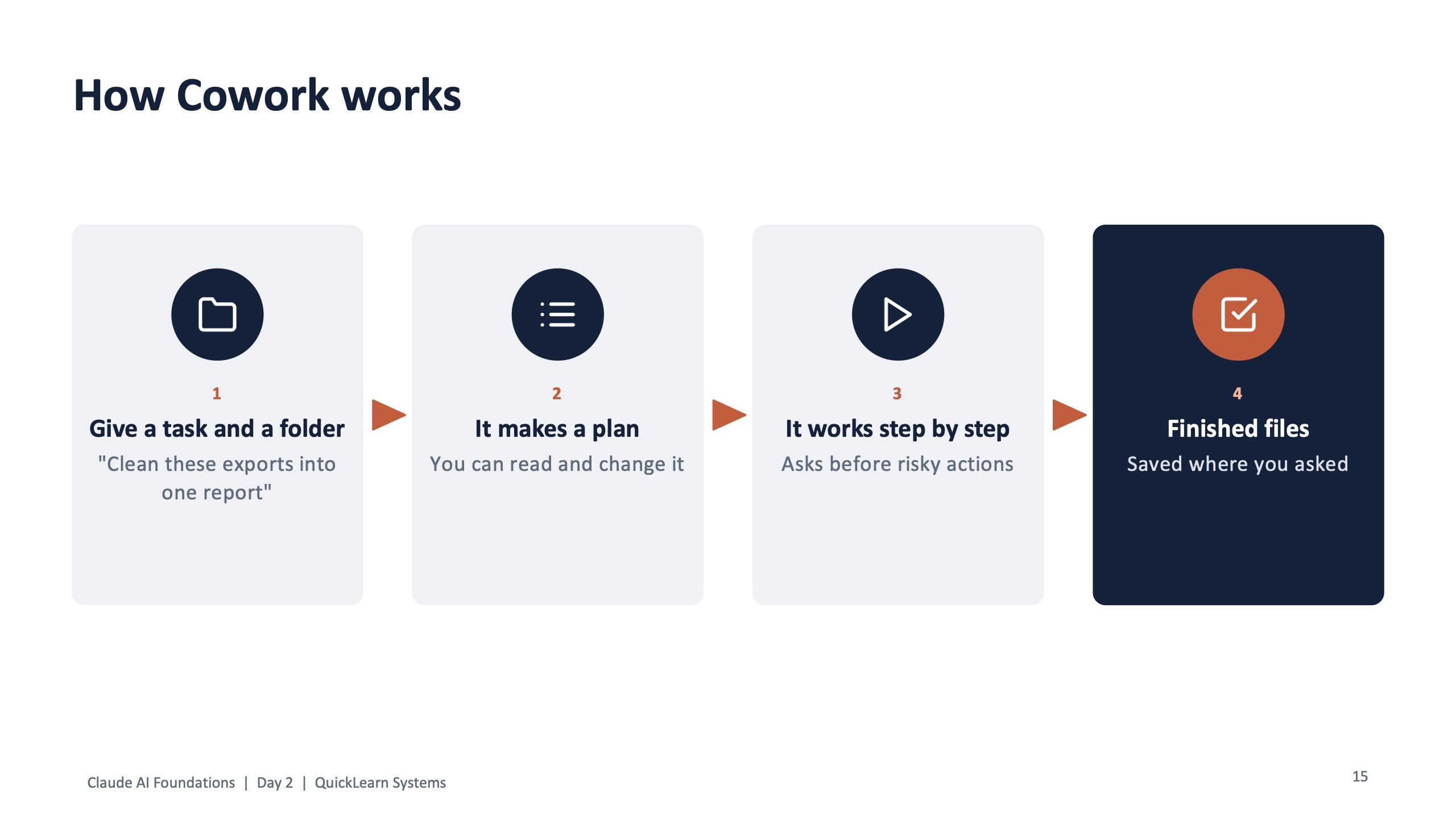
Cowork, in the Claude desktop app on paid plans, works differently. You give it a job and a folder. It makes a plan you can read and change, works through the files step by step, asks before risky actions, and saves the finished files where you asked.
This was module 7 on Day 2 of the QuickLearn Claude Foundations program (1 November 2026), under a slide that summed it up: give Claude a job, not just a question.
The live demo: messy exports to an SLA report
The program used a fictional company, Nuvora Home, so nobody had to bring real data. For this module the folder held October IT helpdesk exports from several stores. Some files were duplicates, one week had different columns, and a few files were not tickets at all. That is what real exports look like.
The task given to Cowork, word for word:
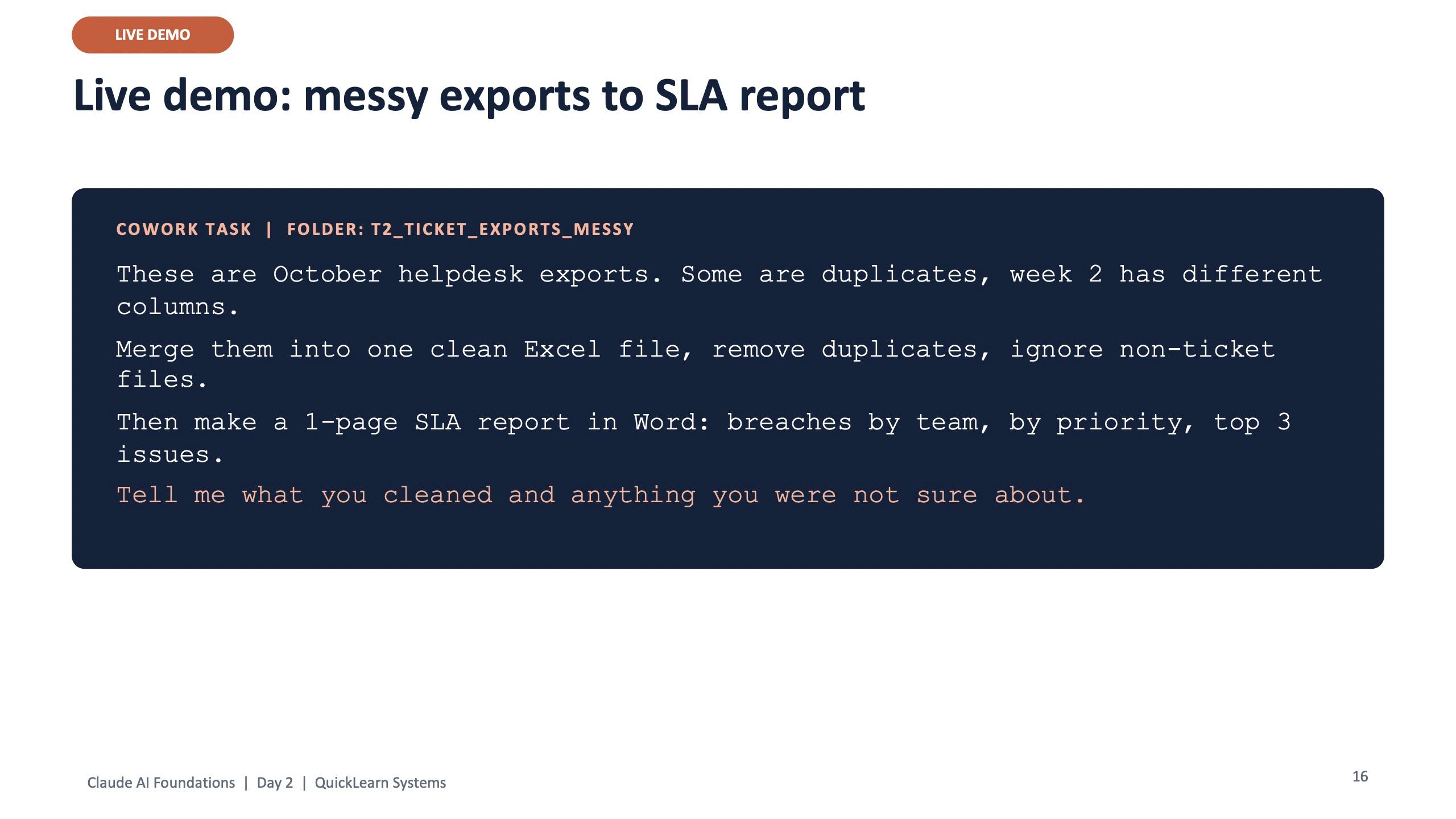
Cowork task, folder: T2 ticket exports (messy)
These are October helpdesk exports. Some are duplicates, week 2 has different columns. Merge them into one clean Excel file, remove duplicates, ignore non-ticket files. Then make a 1-page SLA report in Word: breaches by team, by priority, top 3 issues. Tell me what you cleaned and anything you were not sure about.
The last sentence is the check step. It makes the agent report its own doubts instead of hiding them.
Copying, de-duplicating and lining up columns across a pile of exports is the kind of work that eats an afternoon. Handed to an agent, it becomes a result to review. The person's job moves from doing the copy-paste to checking the output.
A good job has four parts
The demo task works because it is a well-written job, not because the tool is clever. The slide after the demo broke it into four parts that apply to any agent, not just Claude.
- A clear finish line: “one Excel and one Word report”, not “look at these files”.
- Your rules: formats, file names, what to skip.
- The right folder: only what the task needs, nothing else.
- A check step: “tell me what you were not sure about”.
Agents need guard rails
An agent that can open files and click through websites can also do the wrong thing quickly. The same module taught the other half straight away, with four rules.
- Limit the folders: give access only to what the task needs.
- Approve actions: sending, deleting and buying always ask first.
- Be careful on websites: pages can hide instructions, so stay on trusted sites.
- Watch the first runs: trust grows with checks.
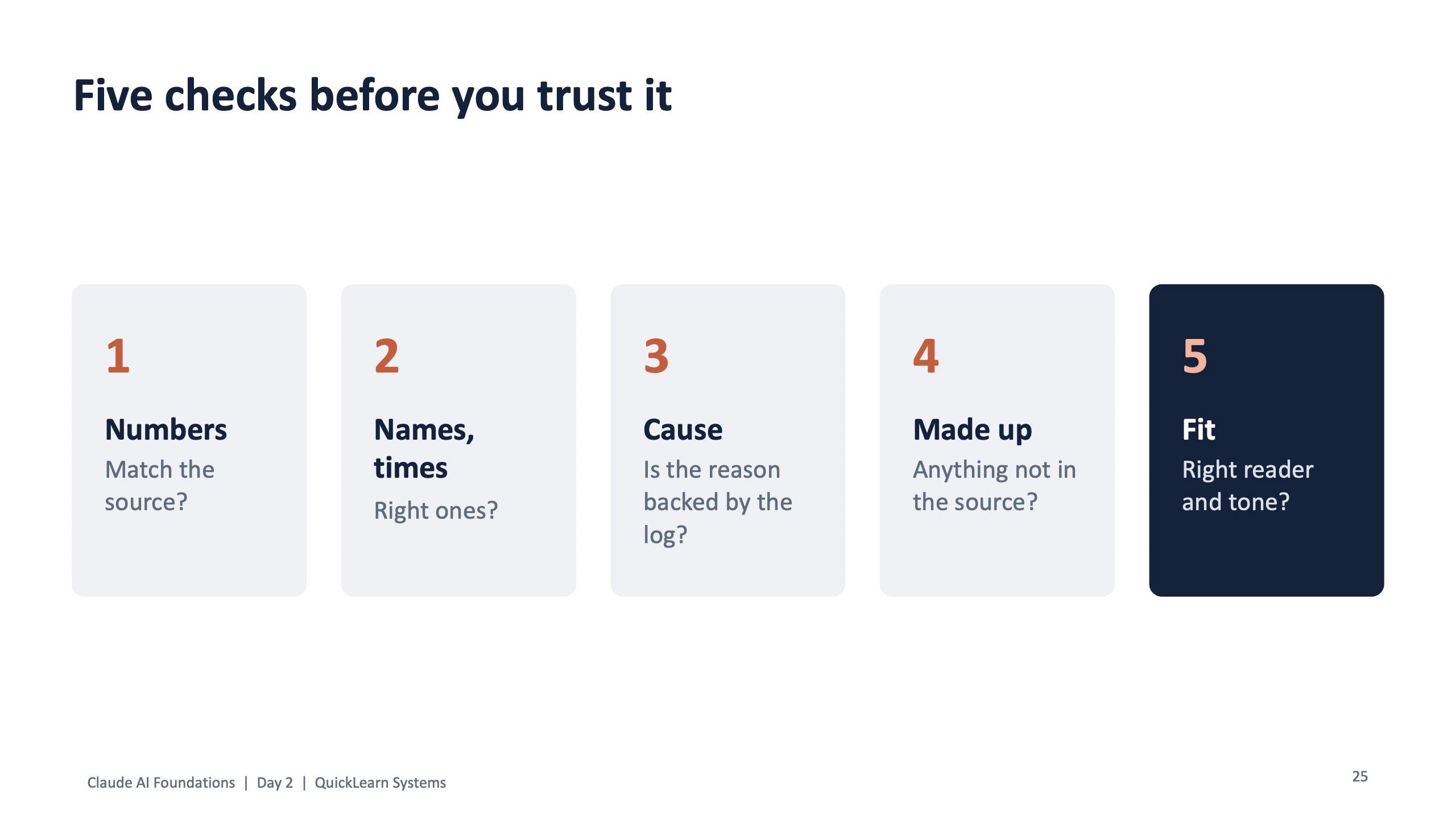
Module 8 then added the checks: do the numbers match the source, are the names and times right, is the stated cause backed by the log, is anything made up, and does it fit the reader and tone. A confident report with one wrong number is worse than no report.
Which tool for which job
Cowork is not the answer to everything. The program closed the module with a simple table for an IT team, and the same logic works for HR, finance or operations.
| Job | Use |
|---|---|
| Quick answer or email draft | Chat |
| Same team context every day | A Project |
| Messy files into a finished report | Cowork |
| Research across websites | Claude in Chrome |
| Work inside a spreadsheet | Claude in Excel |
| Same report every Monday | A scheduled task |
For an HR team, the Cowork job might be a folder of leave records turned into a monthly summary. For accounts, a folder of vendor statements reconciled into one sheet with mismatches listed. The pattern is the same: one folder, one finish line, one check step, and a person who reviews before anything is sent.
Try it on one job this week
Pick one task you repeat every week that starts with a pile of files and ends with a document. Write it as a job with the four parts, give the agent a folder with copies of only those files, and read its plan before it starts. Run the five checks on what comes back.
If you want your team trained this way, with practice files built around your own work, book a free scoping call through the contact page.
Frequently asked questions
What is the difference between chatting with Claude and using Cowork?
Chat answers a question and leaves the next step to you. Cowork takes a task and a folder, makes a plan you can change, works through the files and saves a finished output that you then review.
Do I need a paid plan for Cowork?
Yes. Cowork runs in the Claude desktop app on paid plans. The free plan is enough for chat-based exercises.
Is it safe to give an AI agent access to my files?
Only with guard rails: give access to the folders the task needs, approve any action that sends, deletes or buys, stay on trusted websites, and check numbers, names and anything made up before you rely on the result.
What kind of work suits an AI agent?
Repeated jobs that start with several files and end with a defined output, such as merging exports into a report, reconciling statements or turning notes into a document, where a person can check the result before it is used.