Case study · 8 min read
AI Training for 11 Departments: Delhi Electric Company
How a hands-on AI at Work session on 17 October 2026 gave Delhi Electric Company's employees department-specific prompts, practice files and live demos for procurement, tendering, accounts, HR, sales and more. With slides and photos from the session.
By Surendra Pandar, AI Trainer ·
- Organisation
- Delhi Electric Company
- Sector
- Electrical EPC and projects
- Audience
- Employees across 11 departments, in four groups
- Date
- 17 October 2026
- Format
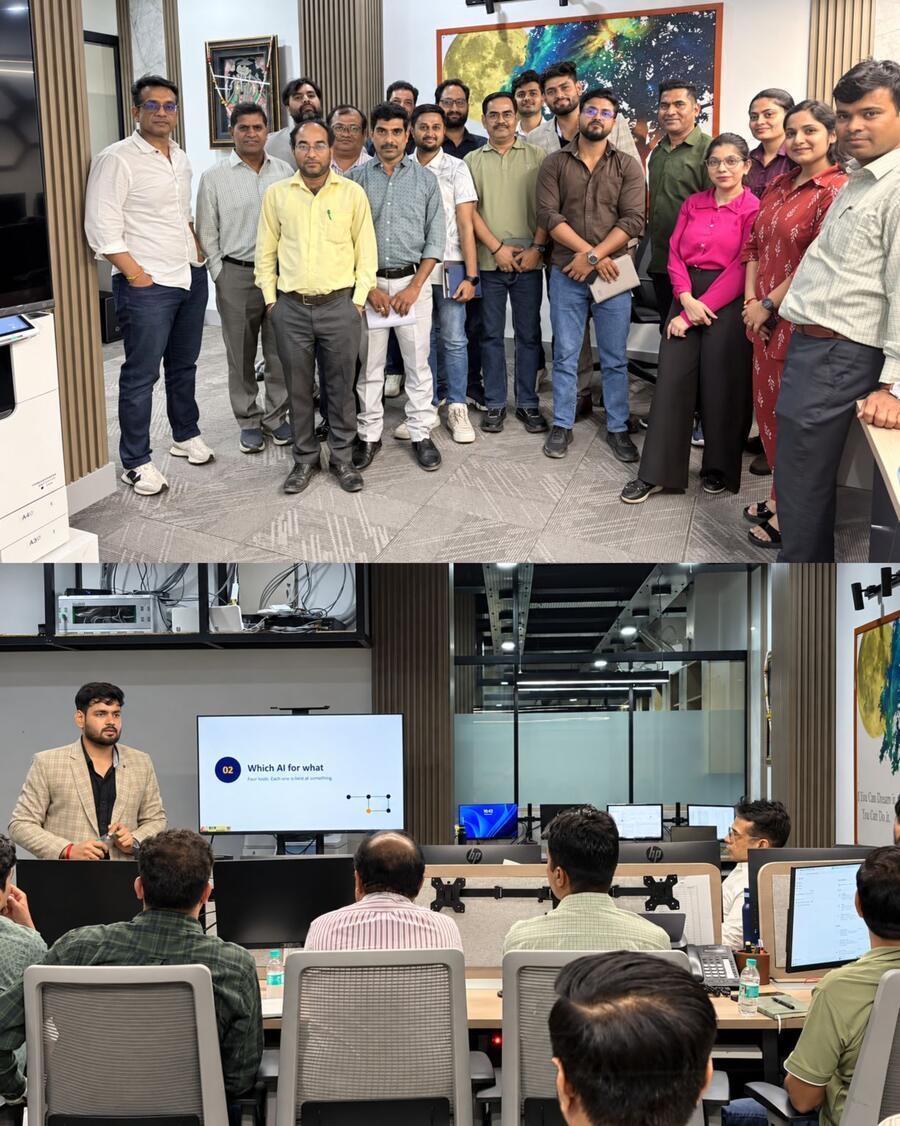
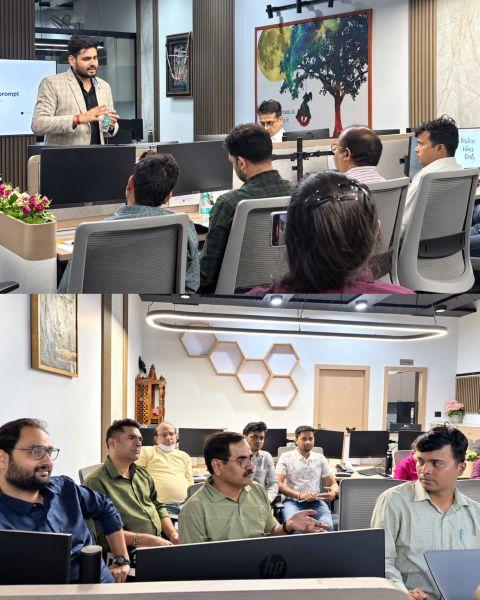
- On-site, hands-on session of about 3.5 hours
- Topic
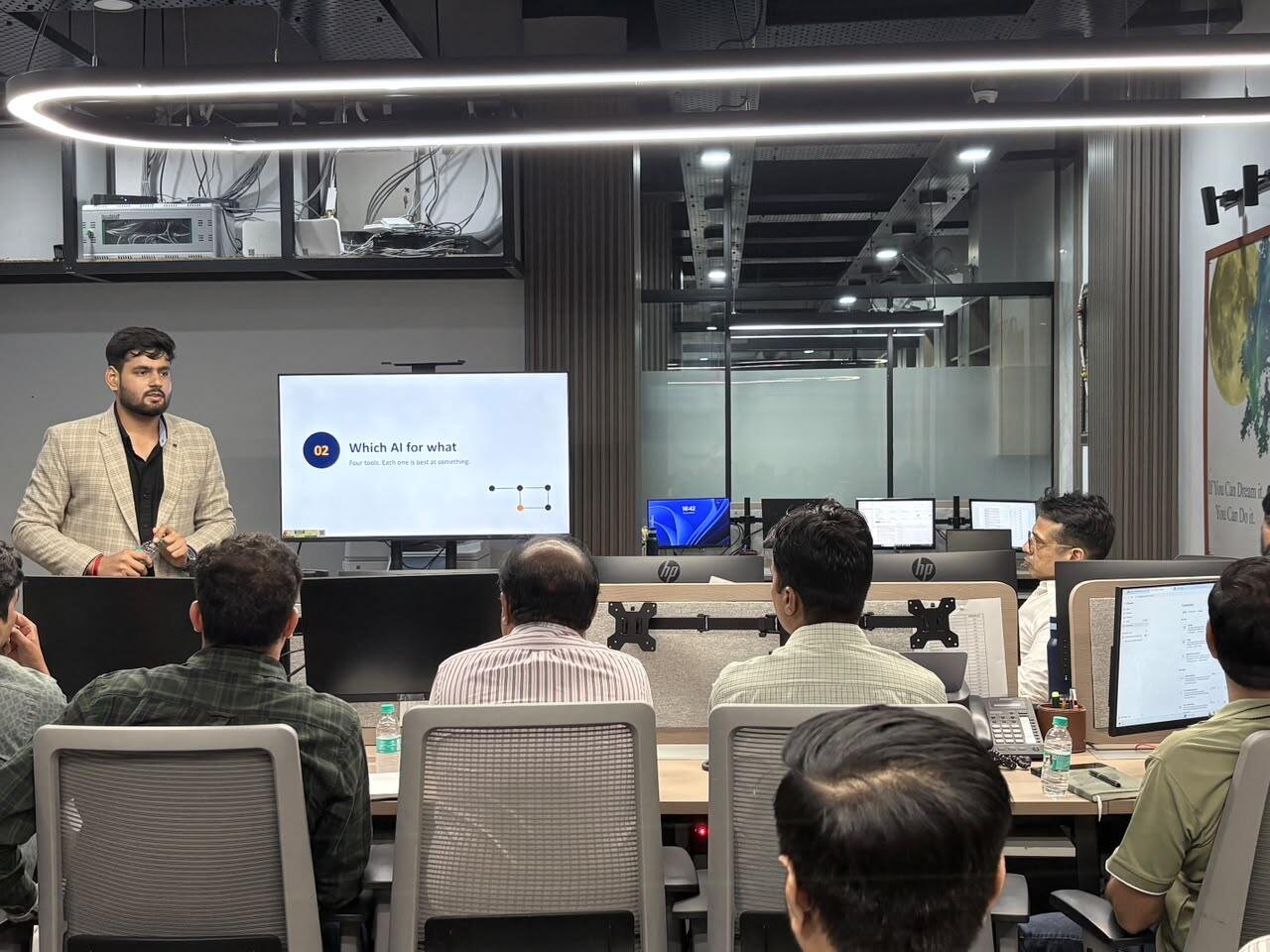
- AI at Work: choosing tools, prompting, department labs, Copilot, safety
In short
- One session, 11 departments, four groups. Each group worked on its own exercise card and fictional practice file, so every employee practised on work that looked like theirs.
- The room saw the same prompt run live in Claude, ChatGPT, Gemini and Copilot, learned the CRAFT prompt formula, and then spent about 70 minutes on department labs.
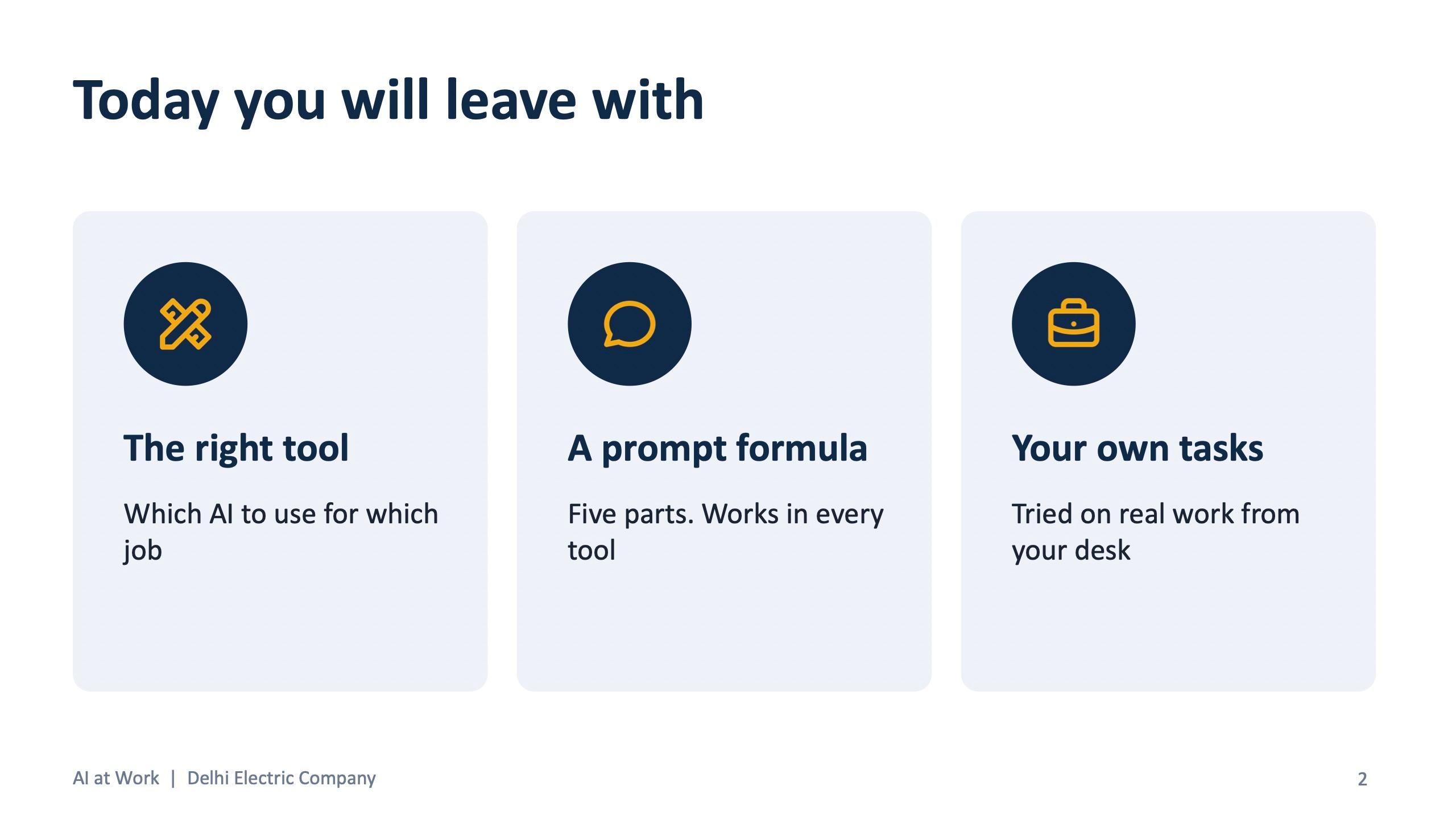
- Every employee left with a cheat sheet, a department prompt book and a written plan of three AI tasks to use that week.
The challenge
An EPC company has very different work in every department. Buyers compare vendor quotes. Tendering executives read 180-page documents. Engineers write specifications from rough notes. Accounts reconcile vendor statements. HR drafts policies. Sales writes proposals. A single generic AI talk helps none of them.
The brief was practical: give every employee something they can use on Monday morning, in their own department, with the tools they already have. Free versions of Claude, ChatGPT, Gemini and Copilot Chat were enough for every exercise.
How the session was built
The deck is organised as seven short modules, with the speaker aiming for more typing than listening. The participants were not asked to believe anything. They were shown a story, a comparison, a formula, and then they did the work.
- 01 A story you might recognise: Rahul, a fictional tendering executive, and his week with and without AI.
- 02 Which AI for what: four tools, each best at something, with a live demo running one prompt in all four.
- 03 Writing a good prompt: the CRAFT formula, and a ten-minute hands-on prompt.
- 04 Your desk, your work: department labs in four groups.
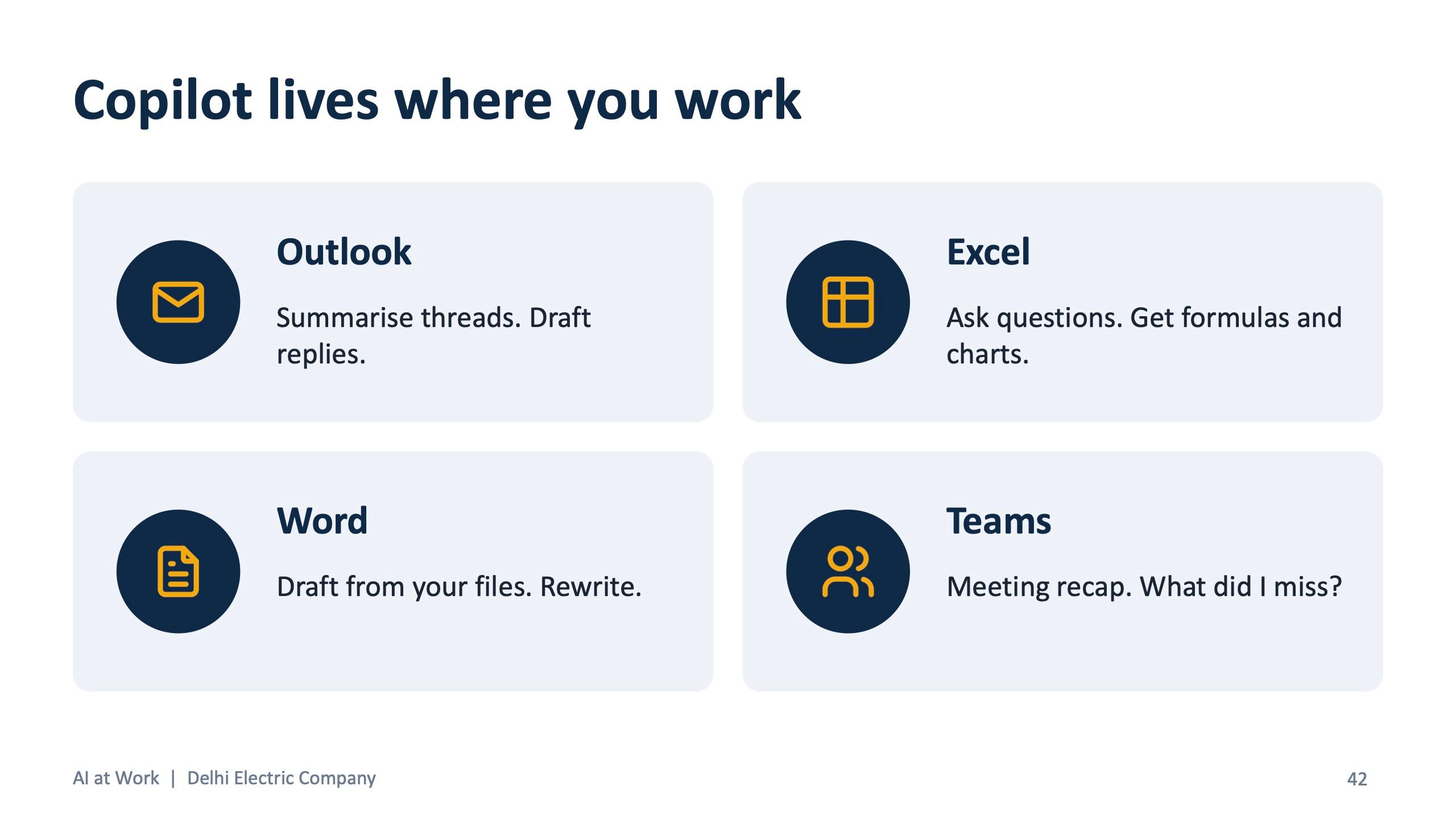
- 05 Copilot in Microsoft 365: a live demo of Outlook, Excel, Word and Teams.
- 06 Make it a habit: save your best prompts and plan three tasks for the week.
- 07 Smart and safe: where AI still gets it wrong, what never to paste, and who owns the output.
Opening with a story, not a tool
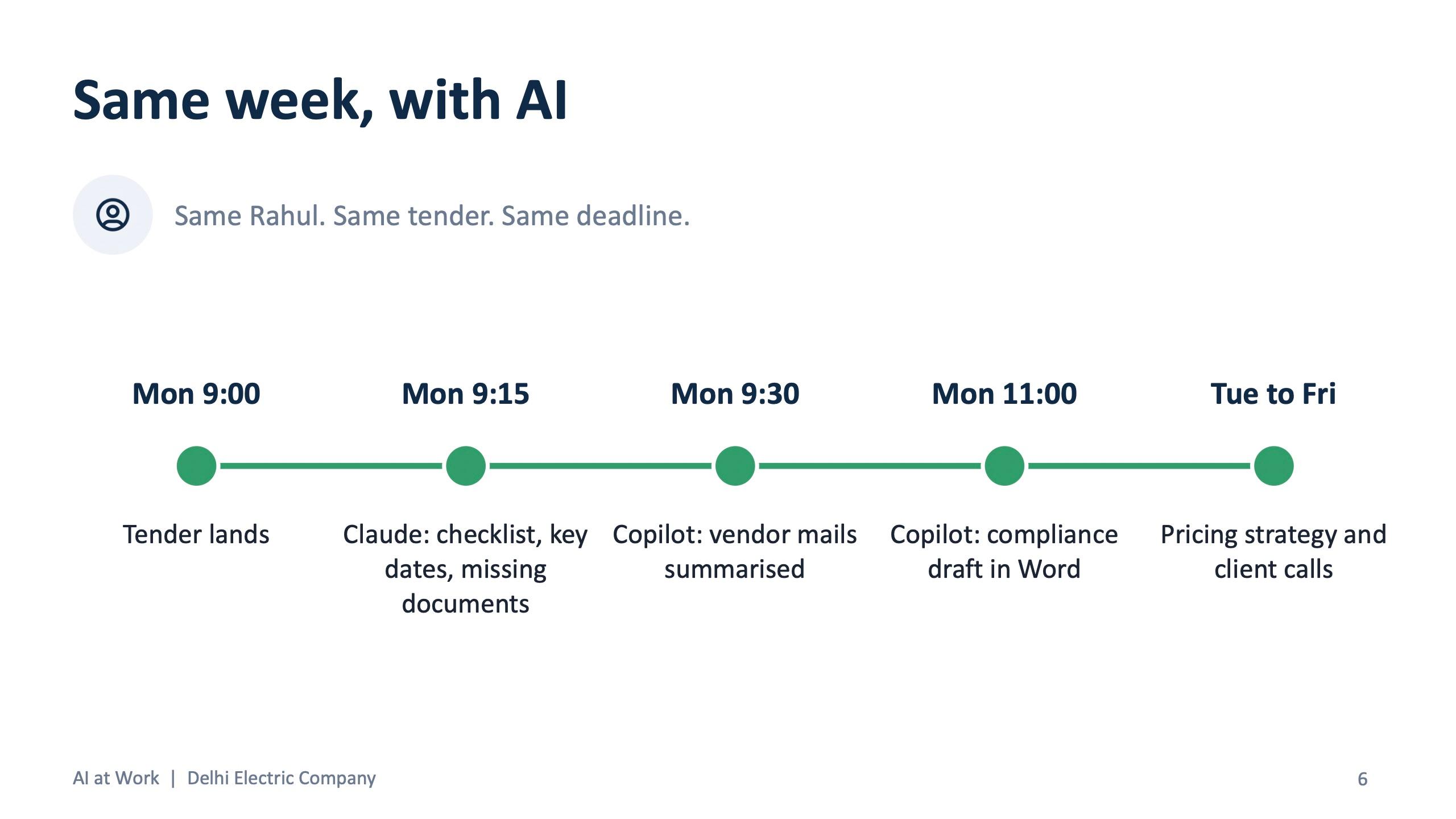
The session opens with Rahul. A 180-page tender lands on Monday. He reads it page by page, builds the eligibility checklist by hand, chases vendor emails on Thursday, and submits at 11 PM on Friday after almost missing a clause. The next slide replays the same week with AI: Claude produces the checklist, key dates and missing documents by 9:30 on Monday, Copilot summarises the vendor mails and drafts the compliance document in Word, and Rahul spends Tuesday to Friday on pricing strategy and client calls.
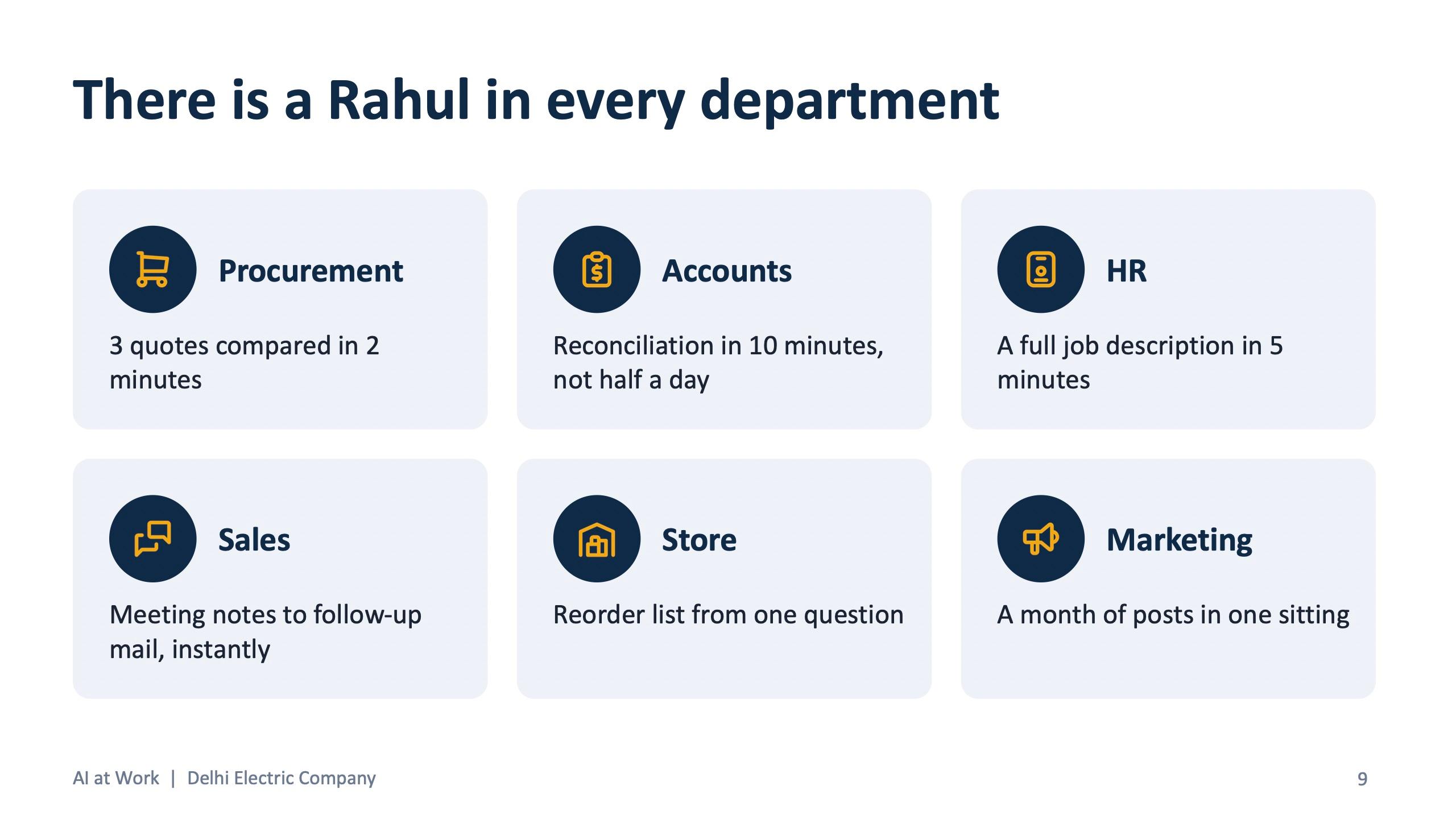
The slide that follows says it plainly: there is a Rahul in every department. Procurement compares three quotes in two minutes. Accounts reconcile in ten minutes, not half a day. HR gets a full job description in five minutes. Sales turns meeting notes into a follow-up mail instantly. Marketing plans a month of posts in one sitting. The hours chart in the deck is marked as illustrative numbers, which is how it was presented in the room.
Four tools, one rule
Rather than recommend a single tool, the session teaches a rule. Inside Outlook, Excel or Word: Copilot. Long document or careful writing: Claude. Image or social media post: ChatGPT. Fresh information from the web: Gemini.
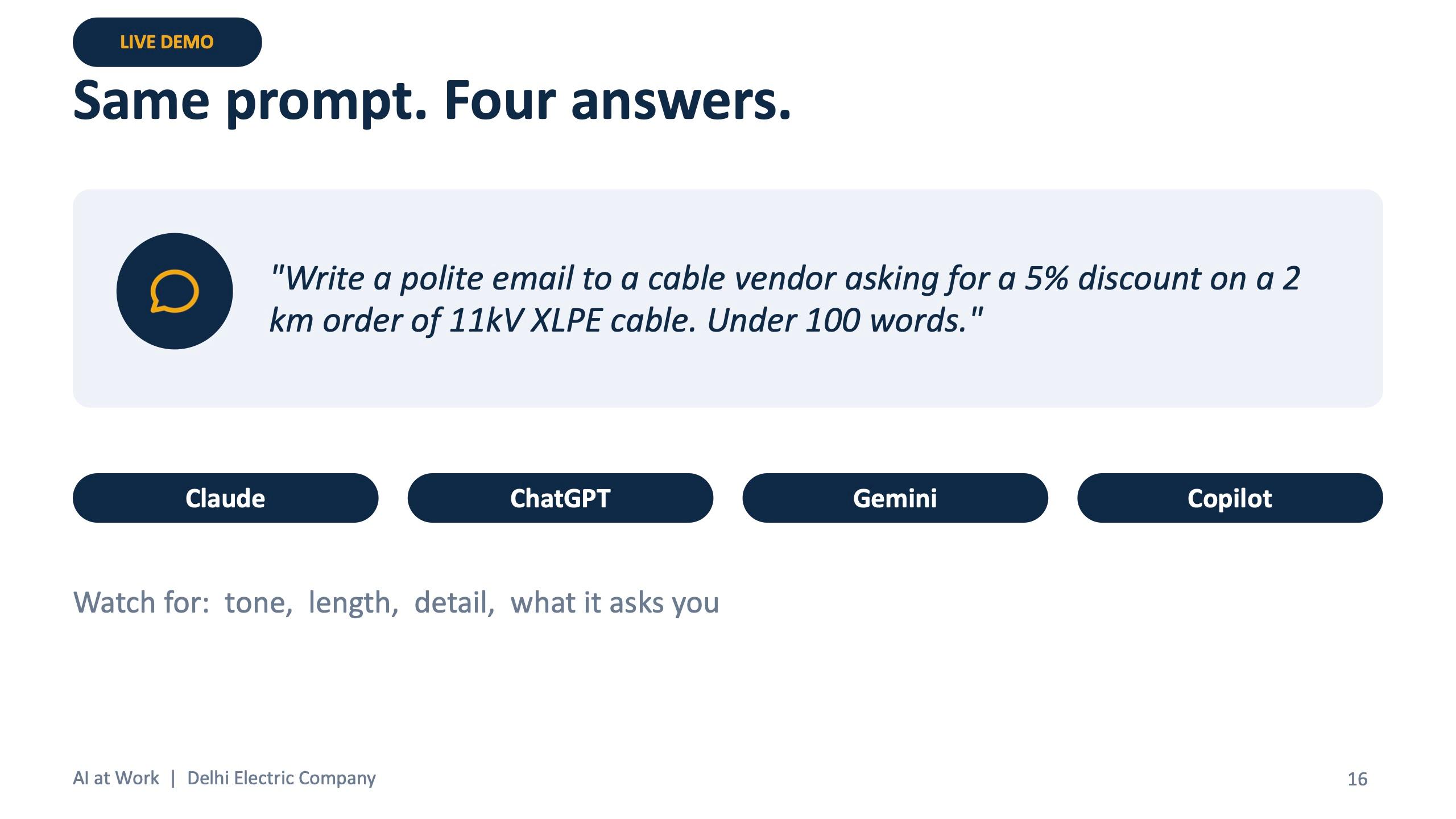
Then the room sees it. The same prompt, a polite email to a cable vendor asking for a 5% discount on a 2 km order of 11kV XLPE cable in under 100 words, is run live in all four tools, and participants note the tone, length, detail and what each tool asks back.
A longer walkthrough of each tool and the exact slide used in the room is in the guide: Which AI tool for which job.
CRAFT, and the two-prompt comparison
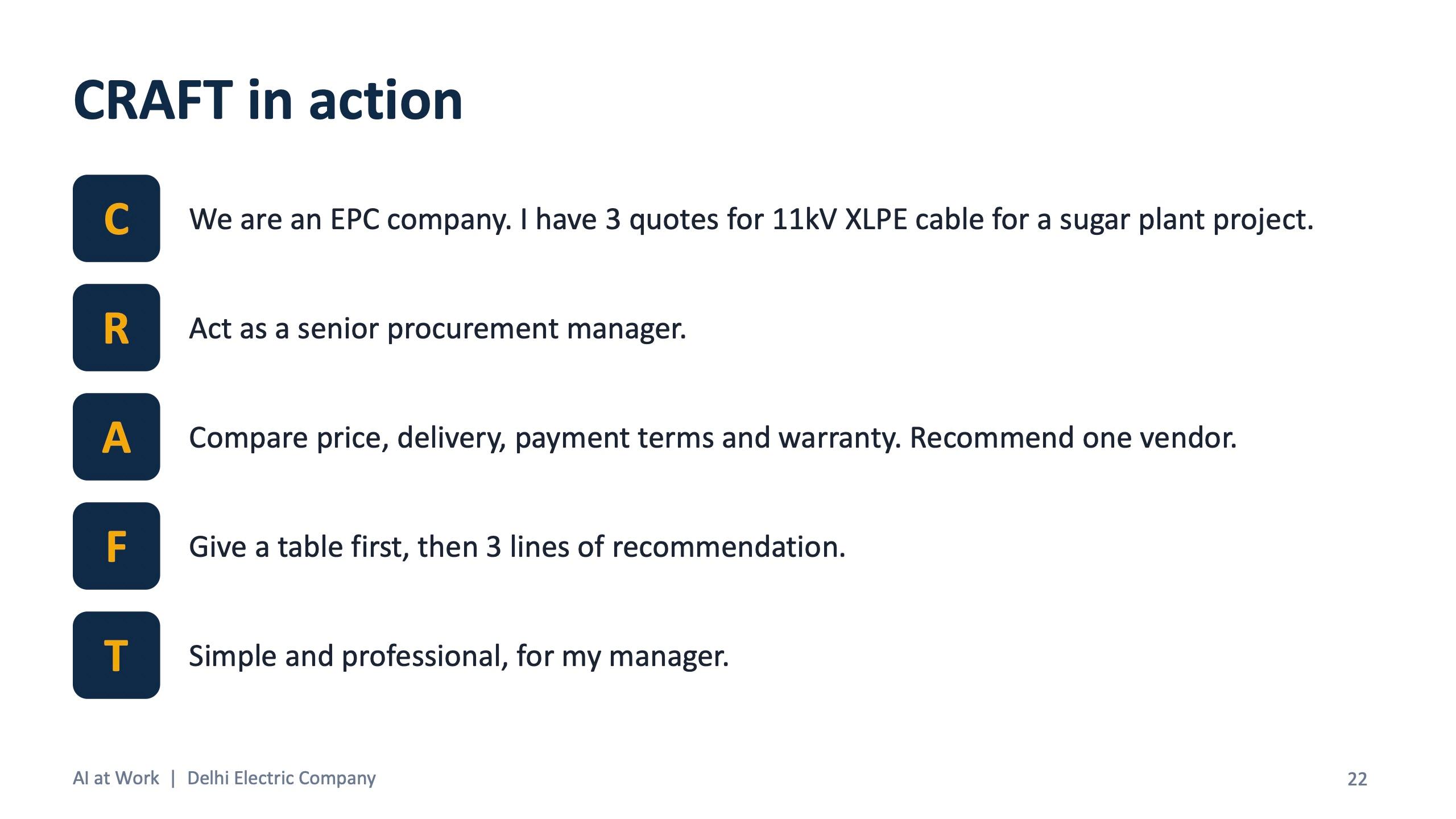
The deck frames AI as a brilliant new joinee on day one: smart and fast, and knowing nothing about your work. CRAFT is how you brief that joinee. Context, Role, Action, Format, Tone.
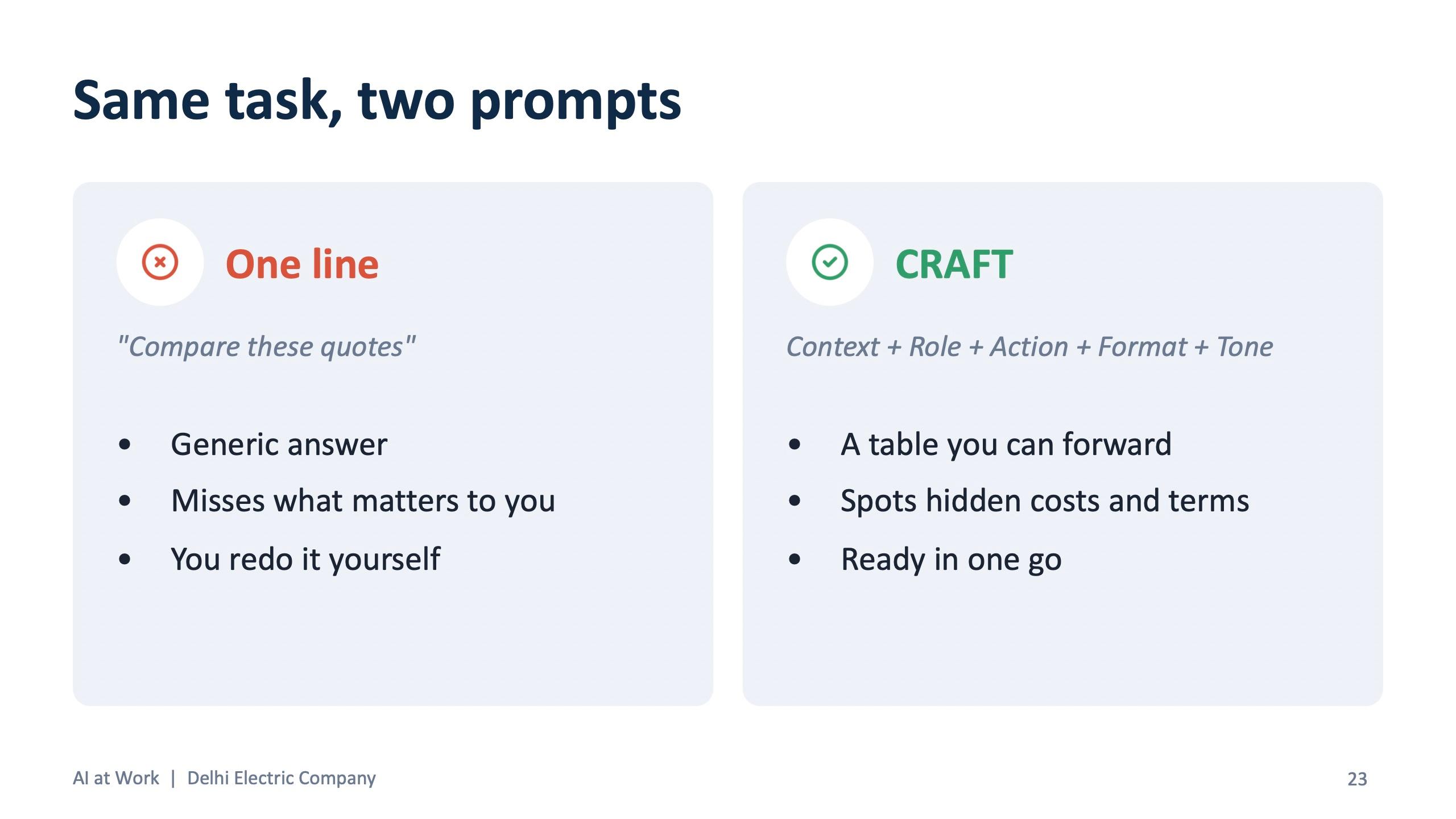
The comparison that lands best is the vendor quote example. “Compare these quotes” gives a generic answer you redo yourself. The CRAFT version names the company, the cable and the project, asks for a senior procurement manager's view on price, delivery, payment terms and warranty, and wants a table first, then three lines of recommendation. Participants then wrote their own CRAFT prompt for a real task from their desk in ten minutes, and asked one follow-up.
Department labs: four groups, 70 minutes
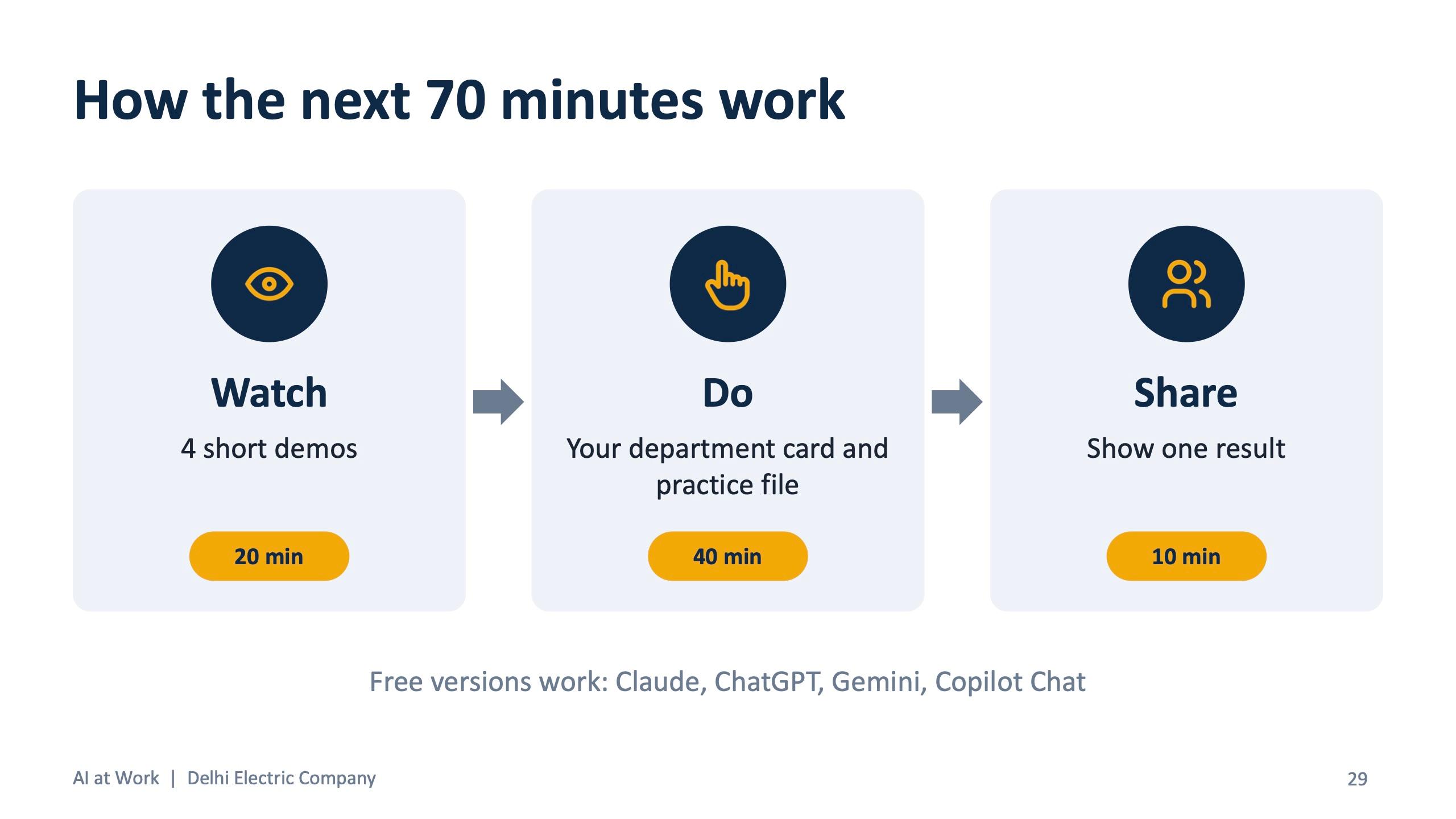
After a 15-minute tea break the room split by group. The format of the 70 minutes was fixed so that nobody waited: 20 minutes of short demos, 40 minutes of work on the department card and practice file, and 10 minutes to share one result. Each group got one live demo that matched its work.
| Group | Departments | Live demo | Tool used |
|---|---|---|---|
| A · Buying and Stores | Procurement, Purchase, Store | Compare 3 vendor quotes from Excel into a table and a best-vendor pick | Claude |
| B · Engineering and Projects | Tendering, Design Engineering, Project Management | Read a tender in 15 minutes: checklist, key dates, documents needed | Claude |
| C · Money and People | Accounts, HR, Front Desk and Admin | Reconcile a vendor account: ledger against vendor statement, mismatches flagged | Copilot in Excel |
| D · Sales and Marketing | Sales, Marketing | A month of posts in one go from a short company brief | ChatGPT |
Every group's practice files used fictional names and numbers: vendor quotes for 11kV cable, a PO delivery tracker, a stock register, a sample substation tender, a BOQ, vendor invoices, expense claims, an HR policy draft, sales meeting notes, a marketing brief and a pipeline sheet. Each department card listed two tasks and a bonus task, and ended with a “check before you trust” line, so the habit of verifying was built into the exercise.
What each department tried
| Department | Tasks on the card |
|---|---|
| Procurement | Compare vendor quotes, draft an RFQ, negotiation points |
| Purchase | Find late orders, delay follow-up email, rank vendors |
| Store | Items below reorder level, PO versus goods received, monthly stock summary |
| Tendering | Eligibility checklist and key dates, pre-bid queries, commercial risk scan |
| Design Engineering | Draft a panel specification from rough notes, check a BOQ, lessons-learned entry |
| Project Management | Weekly client report, risk list, milestone plan |
| Accounts | Invoices to a table, vendor reconciliation, expense summary |
| HR | Job description, policy to circular (with a Hindi version), 30-day onboarding plan |
| Front Desk and Admin | Meeting invite and agenda, visitor log summary, reply to a tough email |
| Sales | Meeting notes to follow-up, proposal outline, competitor scan, forecast summary |
| Marketing | 30-day post calendar, LinkedIn post, a graphic for the post |
Copilot in Microsoft 365, live
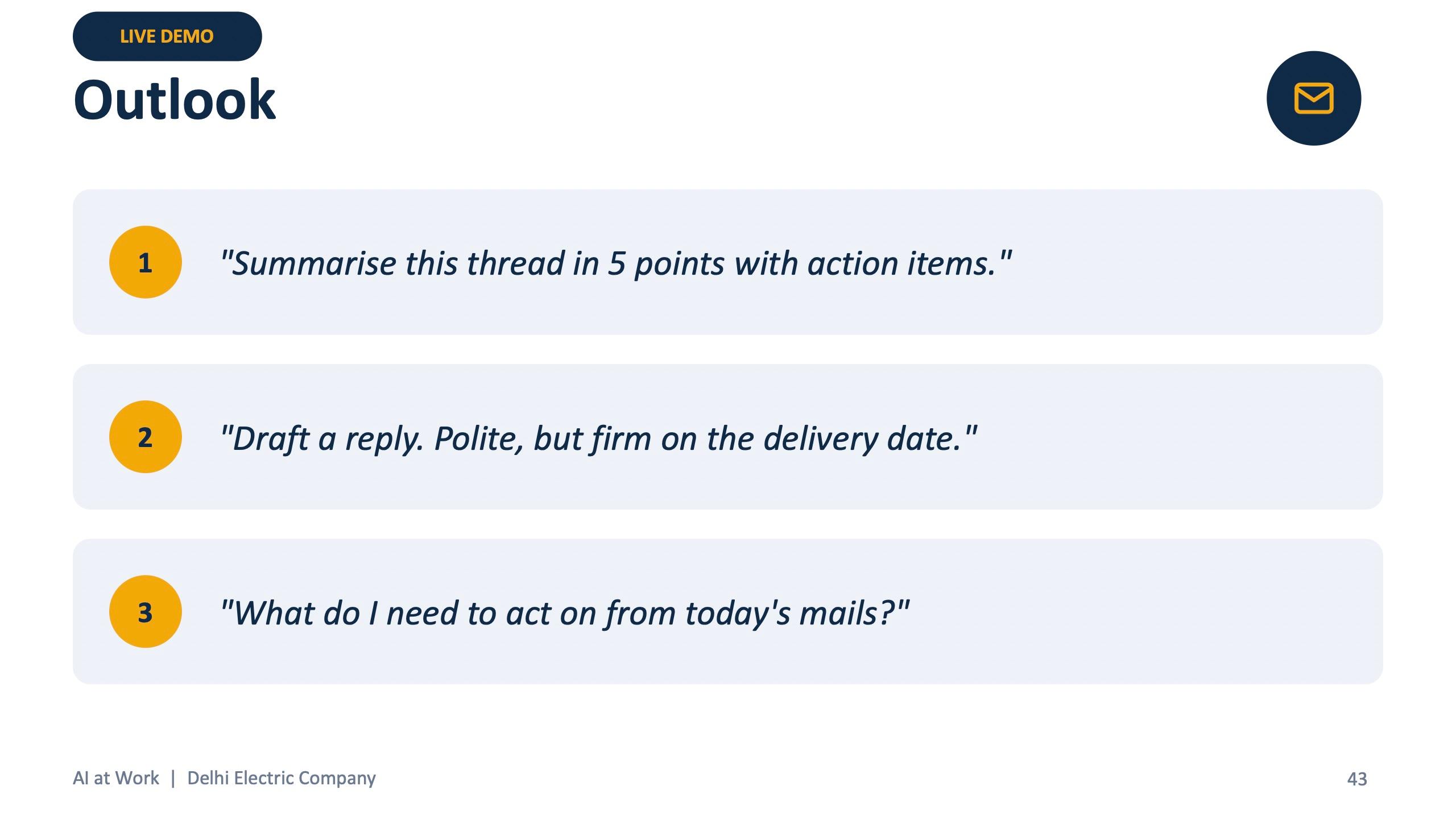
Because most employees already work in Outlook, Excel, Word and Teams, the Copilot module was shown live and tried later. The prompts on the screen were deliberately everyday: summarise a thread in five points with action items, draft a reply that is polite but firm on the delivery date, ask which vendor has the most late deliveries, add a column for days delayed, make a chart of delays by vendor, draft a compliance statement from the tender summary file, and recap a Teams meeting with owners and dates.
Making it a habit, and making it safe
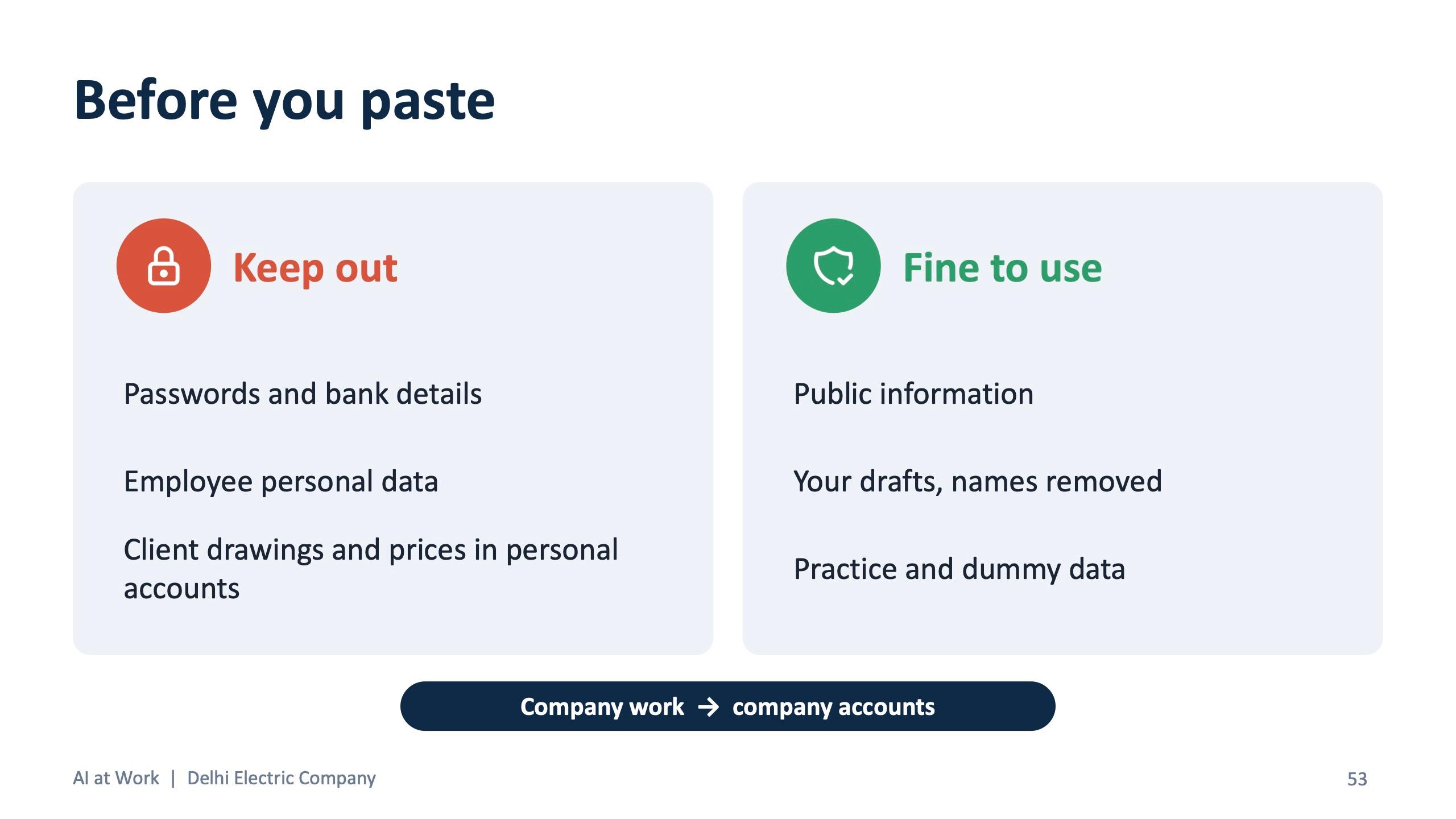
The session ends on the part the deck itself calls the one that matters most. Participants learn four ways AI still gets it wrong: it invents details, it can slip on calculations, it does not know the company unless told, and it may be out of date unless it searches the web. They get a before-you-paste list: no passwords, bank details or employee personal data; client drawings and prices stay out of personal accounts; company work goes in company accounts. And they are told that they own the output. Read it before sending, check every number, verify engineering values against IS standards.
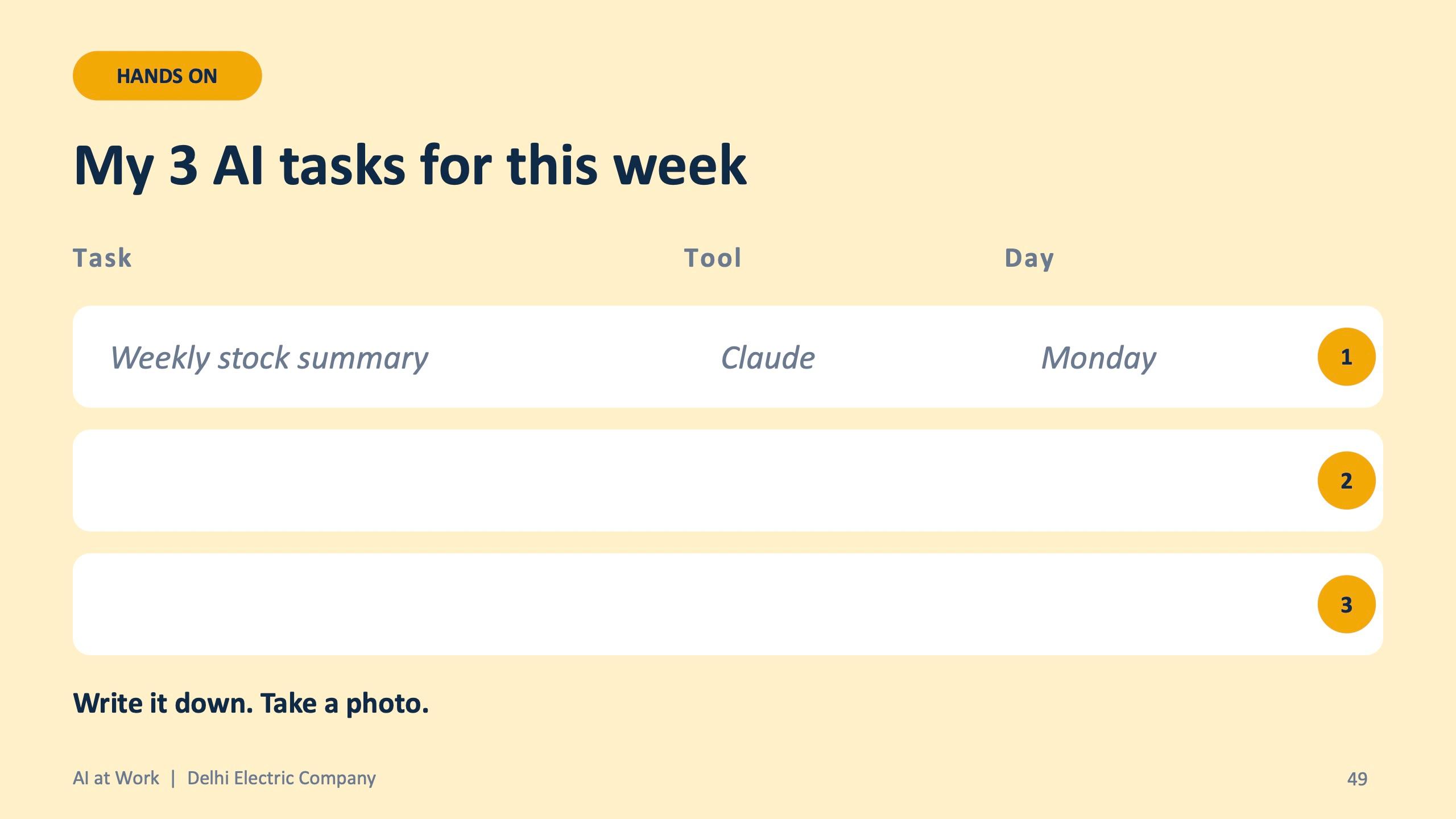
Then comes the habit. Each person writes three AI tasks for the week, with the tool and the day, and saves their best CRAFT prompt in Claude Projects, ChatGPT Projects or GPTs, Gemini Gems or the Copilot Prompt Gallery. The deck's closing line for the day is the one people remember: AI is the assistant, you are still the engineer.
What the team received
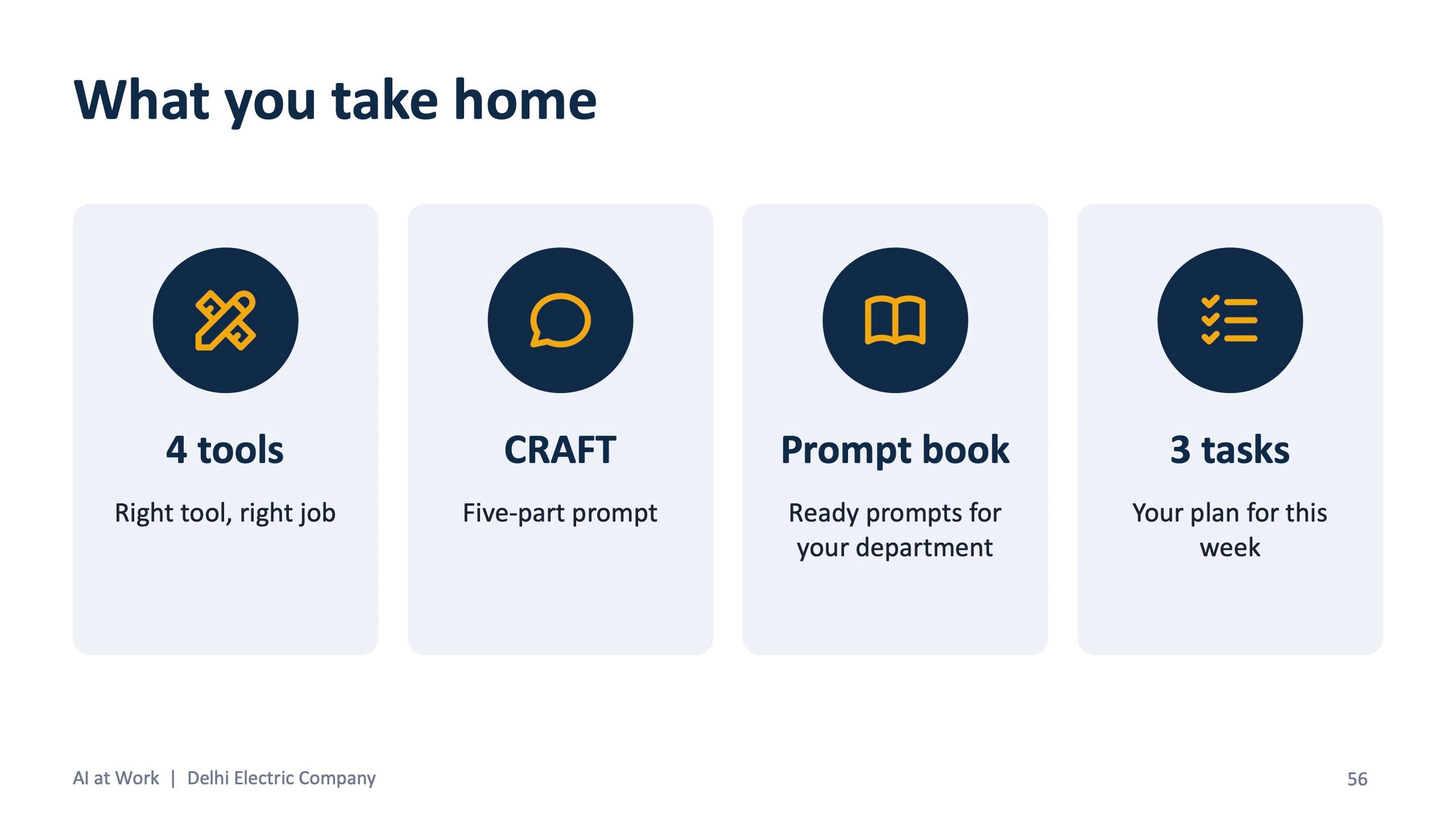
- A one-page cheat sheet: which AI for what, CRAFT, three lines that improve any answer, ten prompts anyone can use, and four rules before you paste.
- A department prompt book with ready prompts for all 11 departments.
- Exercise cards and fictional practice files grouped A to D.
- A short feedback form, filled in by phone, so the next session can be improved.
Takeaway for other organisations
Training works when it is organised around the job, not the tool. A prompt book per department and practice files that mirror real work are what turn a one-time session into a weekly habit. If your organisation has several departments with different work, the same structure of story, tool rule, formula, department labs and safety carries over, and the files change to match yours.
If you would like a session like this for your team, book a short scoping call below.
“The AI training helped our employees use AI in everyday tasks, reduce repetitive work and improve productivity — a valuable step towards smarter workflows.”
Frequently asked questions
Can AI training be tailored to different departments in one company?
Yes. For Delhi Electric Company the session was split into four groups covering 11 departments, each with its own prompts, exercise card and practice files.
Does the training use our real company data?
No. Practice files use fictional names and numbers, and participants are taught what never to paste into an AI tool.
How long was the Delhi Electric Company training?
About 3.5 hours on site on 17 October 2026, including a 15-minute break and about 70 minutes of department labs.
Which AI tools did the employees use?
Claude, ChatGPT, Gemini and Microsoft Copilot. Free versions were enough for every exercise, and each department card named the tool that suited its tasks.
What did employees take away after the session?
A cheat sheet, a department prompt book with ready prompts, exercise cards and a written plan of three AI tasks to use in the following week.