Case study · 9 min read
AI for the Power Sector: A Full-Day Programme for NTPC RLI Kaniha
Inside the full-day AI training Surendra Pandar ran for NTPC's Regional Learning Institute, Kaniha: five modules, six live demos, the CRAFT prompt method, power-plant and PSU-office use cases, and a DPDP-aware responsible-AI close. With the real slides.
By Surendra Pandar, AI Trainer ·
- Organisation
- NTPC Ltd., Regional Learning Institute (RLI), Kaniha
- Sector
- Energy and power, thermal generation
- Audience
- NTPC officers from plant operations and office functions
- Date
- 9 July 2026
- Format
- Full-day, live, hands-on; 9:30 to 6:30 with two sessions
- Topic
- AI fundamentals, prompting, power-sector use cases, office productivity, responsible AI
In short
- One day, five modules, six live demos. The morning built the foundation (what AI is, how to prompt it with CRAFT) and the afternoon applied it to plant and office work.
- Every example came from a power station: a boiler feed pump trip, a cooling tower fan, a lift-maintenance notice, a downtime log, a safety notice in Hindi and Odia.
- The day ended with the rules that matter most for a PSU: verify everything, never paste confidential or personal data, and know what the DPDP Act means for staff.
The challenge
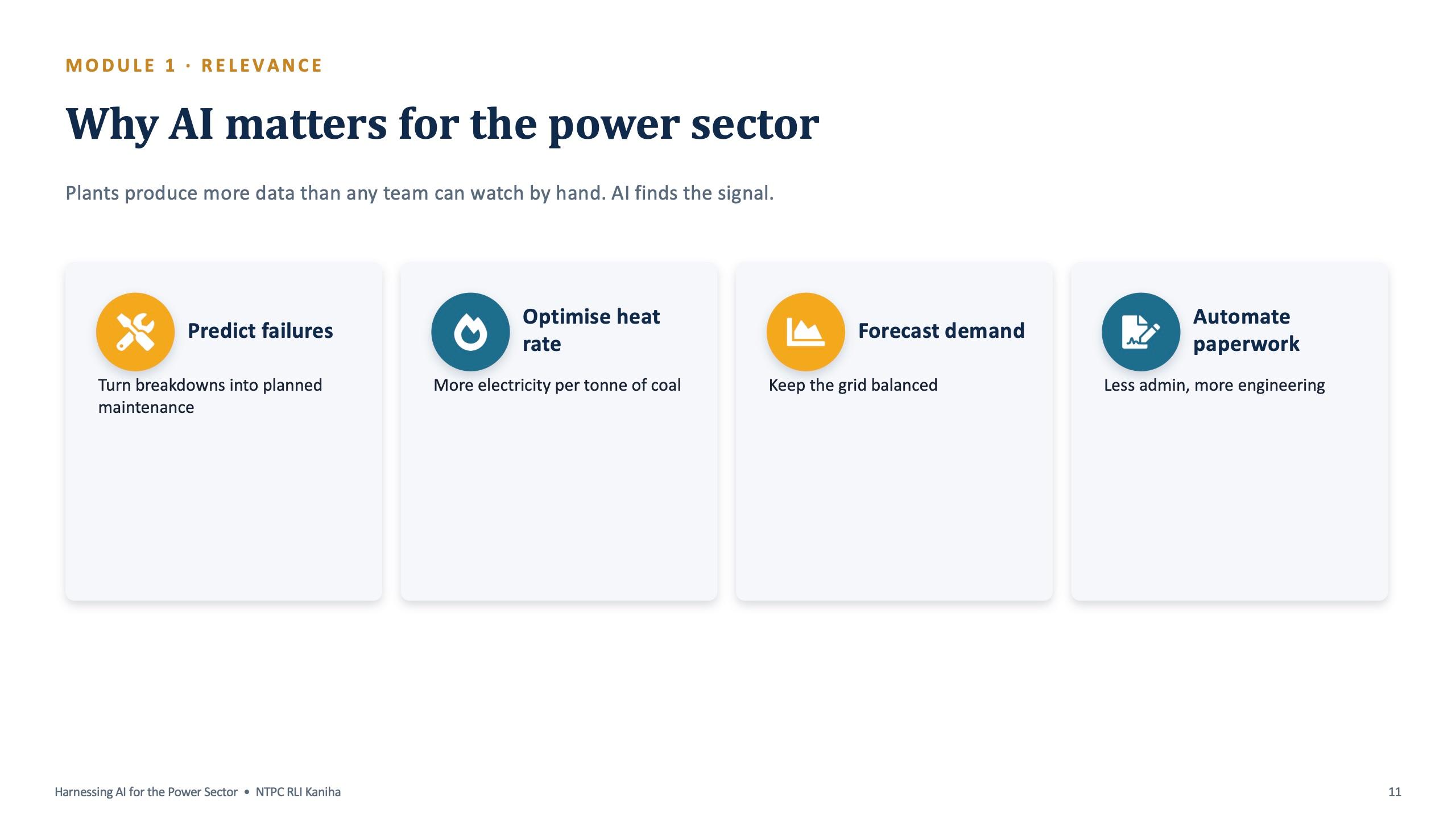
A thermal power station produces more data and more paperwork than any team can read by hand. On the plant side there are sensors, logs and maintenance records. In the office there are circulars, tenders, contracts, minutes and notes in English, Hindi and Odia.
Many people in a regulated, operations-heavy organisation assume generative AI is for software companies. The brief for this programme was to replace that assumption with examples from their own station, and to make sure everyone left able to use AI safely on their own work.
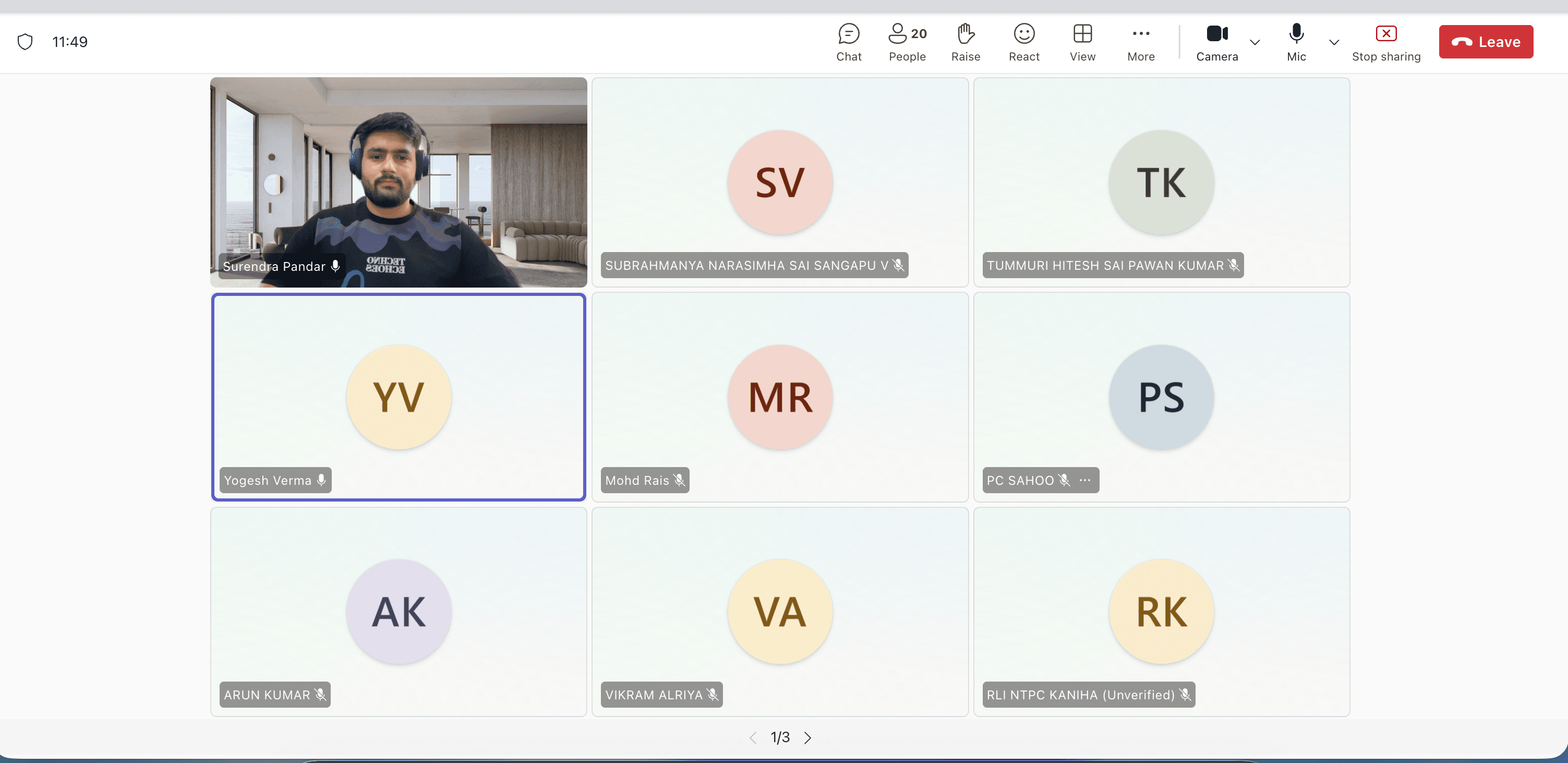
The programme was built for NTPC's Regional Learning Institute at Kaniha. The deck opens with the institute's name, and every demo uses plant and PSU-office scenarios rather than generic ones.
The shape of the day
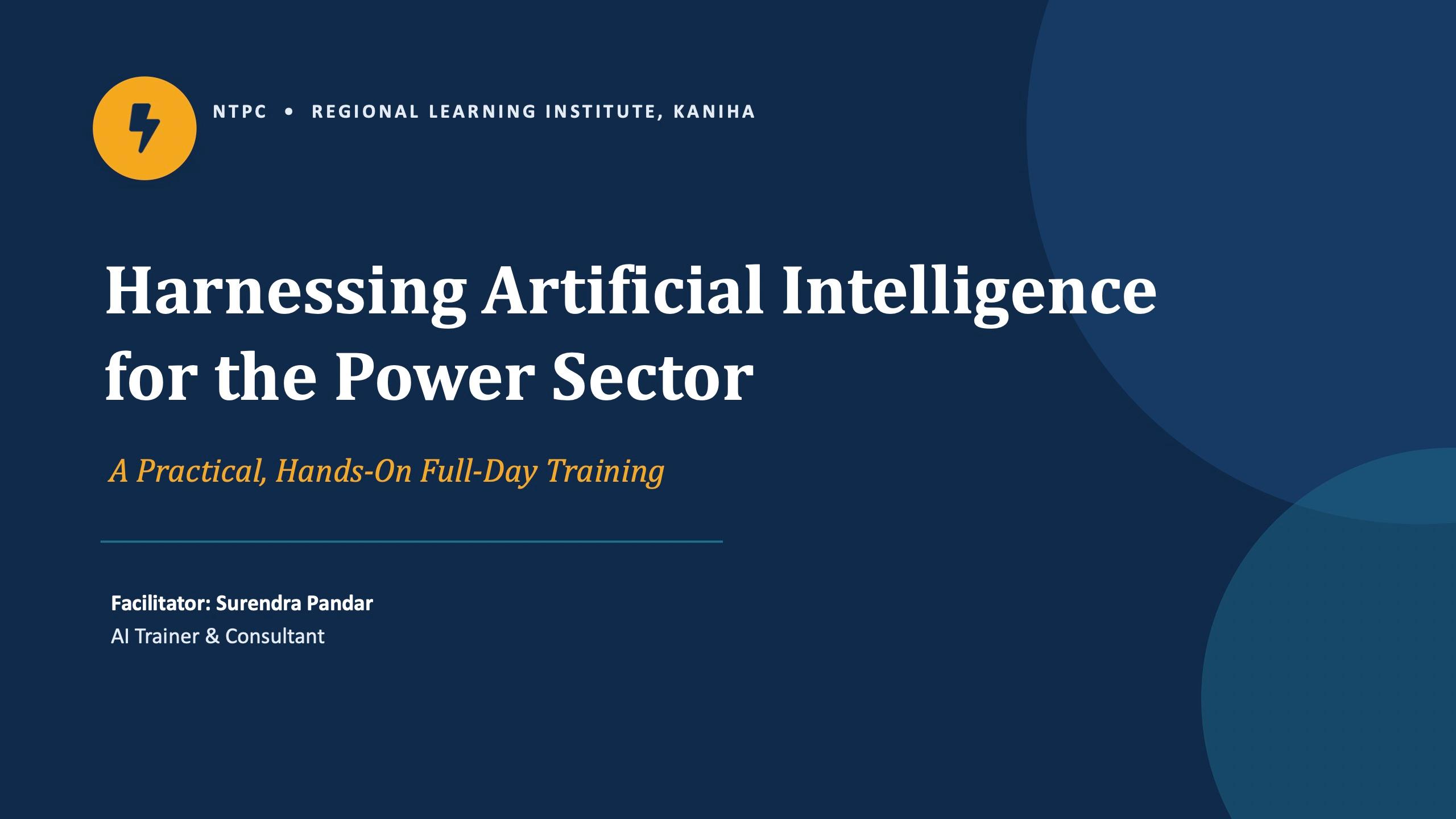
The day ran as two sessions with tea and lunch breaks between them. The forenoon, 9:30 to 1:00, was about understanding AI and learning to prompt. The afternoon, 3:30 to 6:30, was about using it on NTPC and office work, and doing it safely.
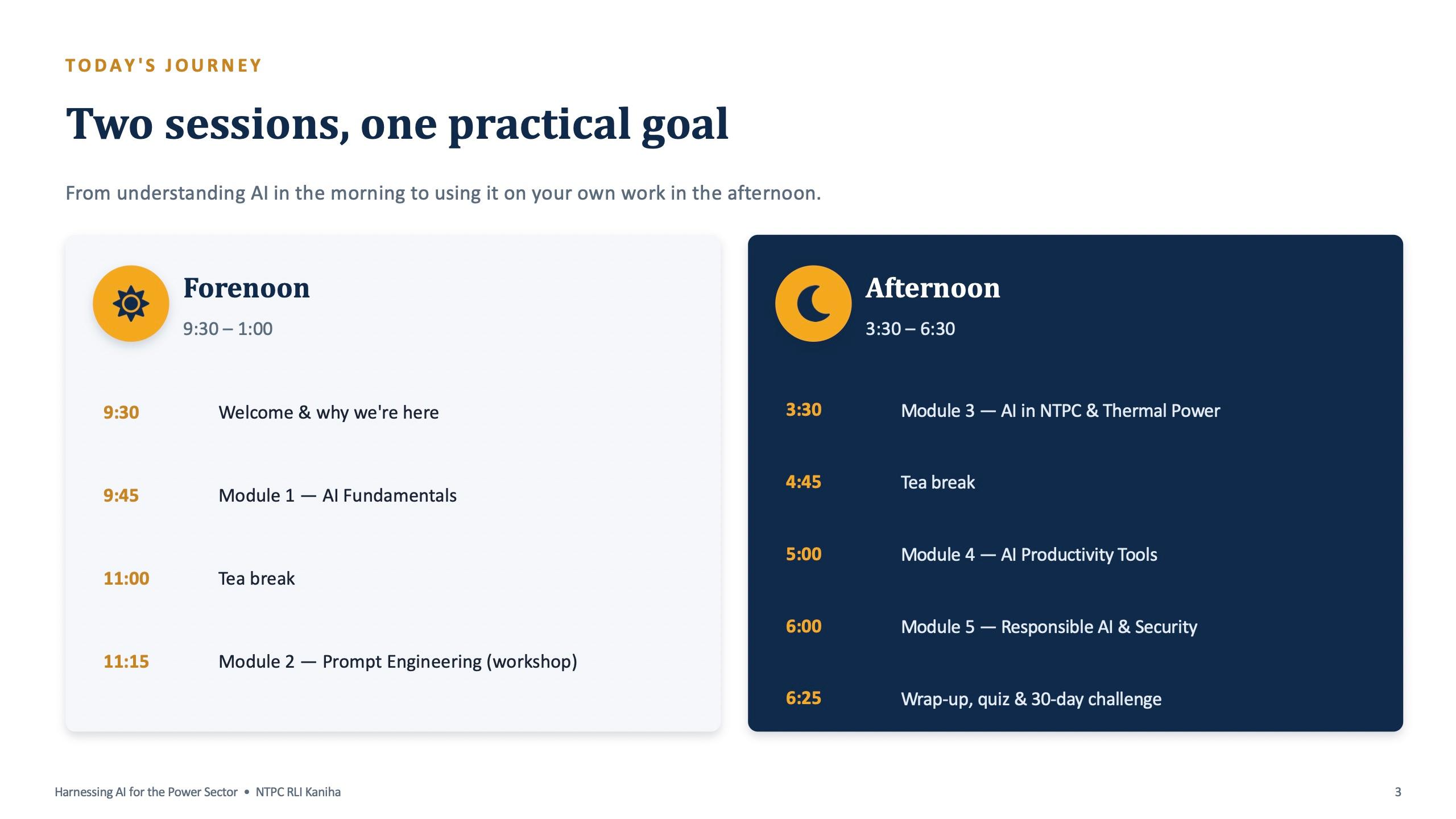
The deck states the promise up front: understand AI, write great prompts, apply it to work, and use it safely. It also sets one rule for the room: this is a workshop, not a lecture, and everything practised uses made-up examples, never real confidential data.
Module 1: AI fundamentals in plain language
The first module (9:45 to 11:00) starts with a show of hands: who has used ChatGPT or a similar tool, and who feels they fully understand what AI can and cannot do. The gap between the two answers is what the day is designed to close.
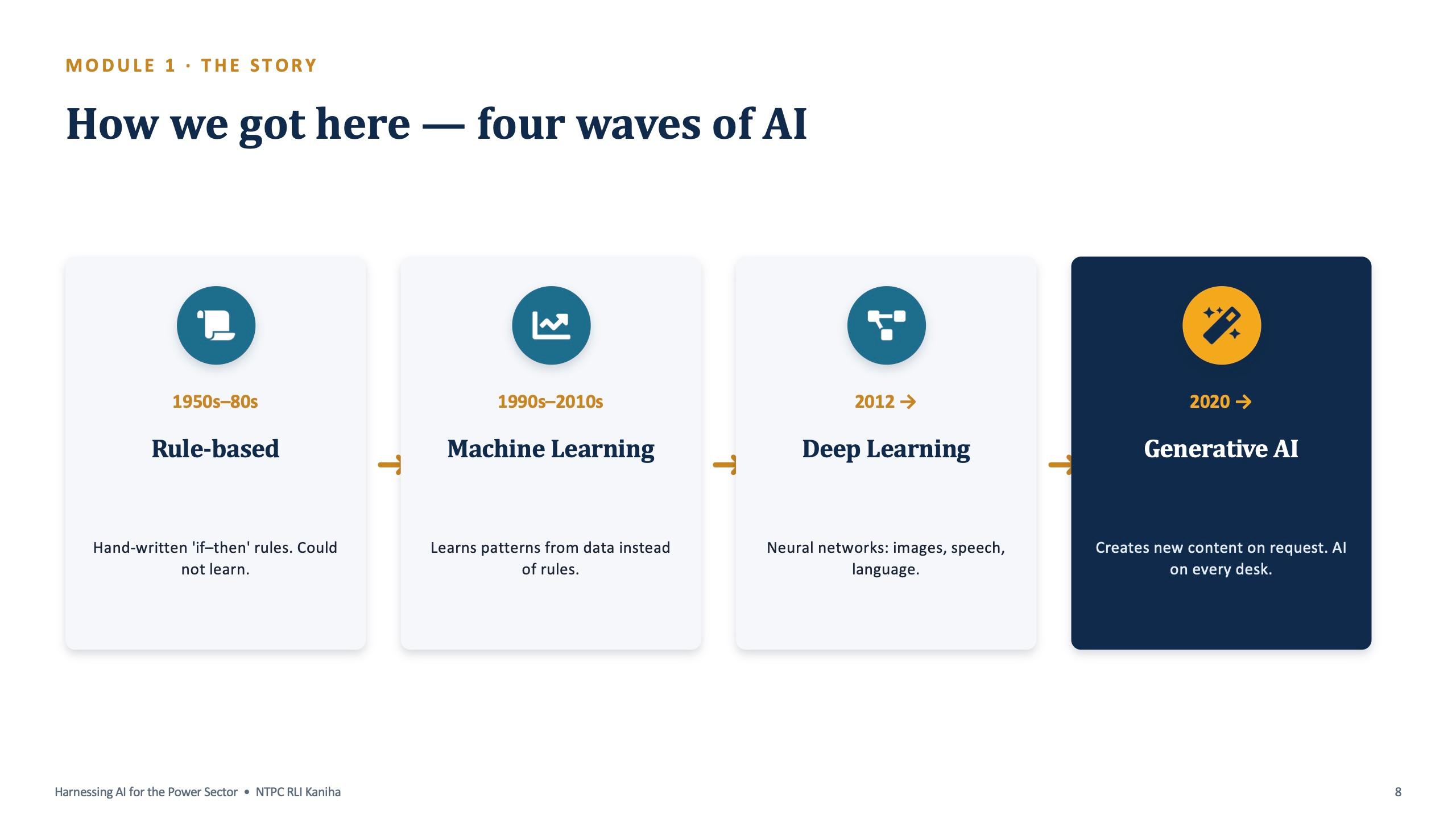
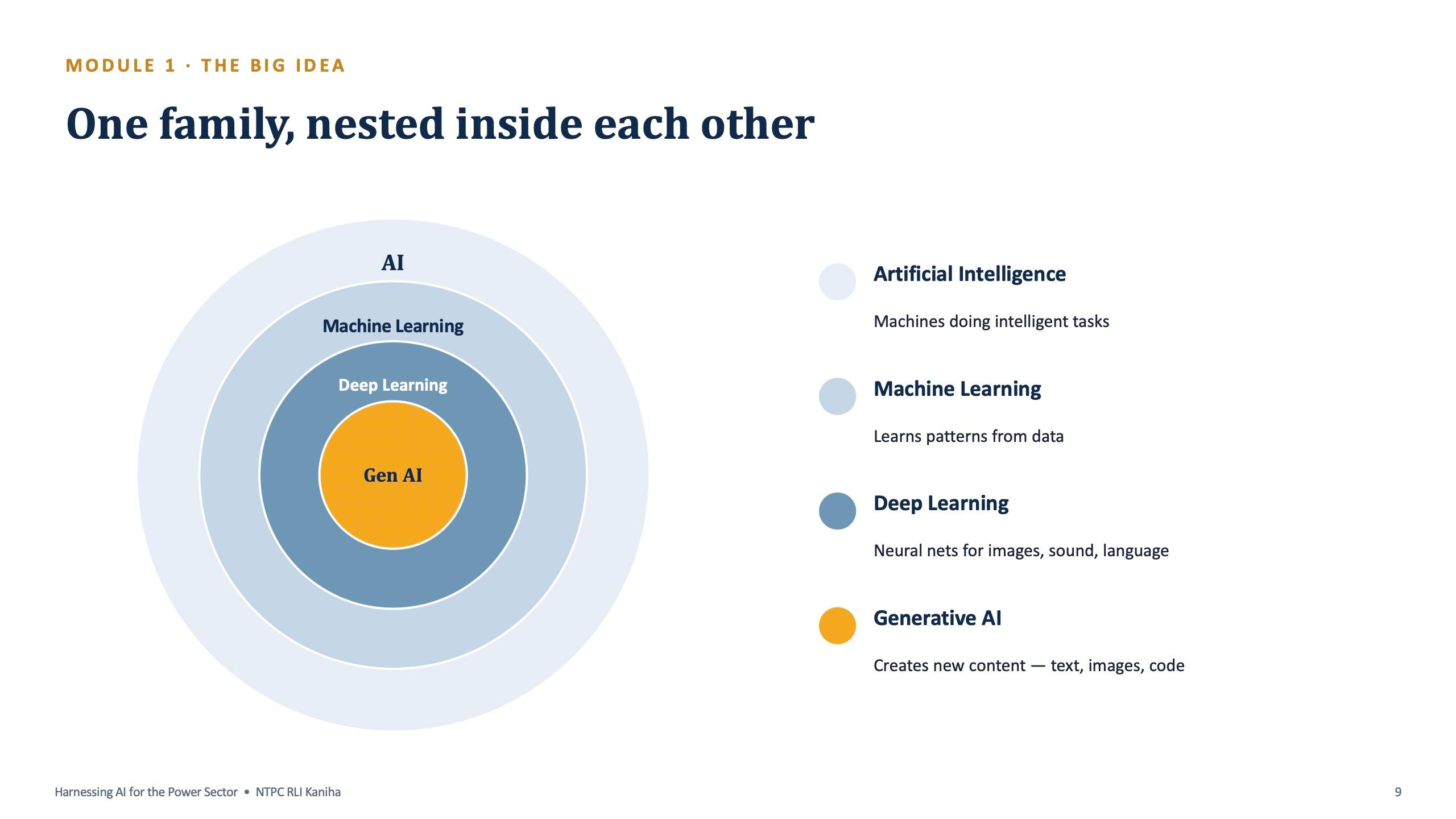
From there the deck walks through four waves of AI, from hand-written rules to machine learning, deep learning and generative AI, and then the nested-family picture that explains how they relate.
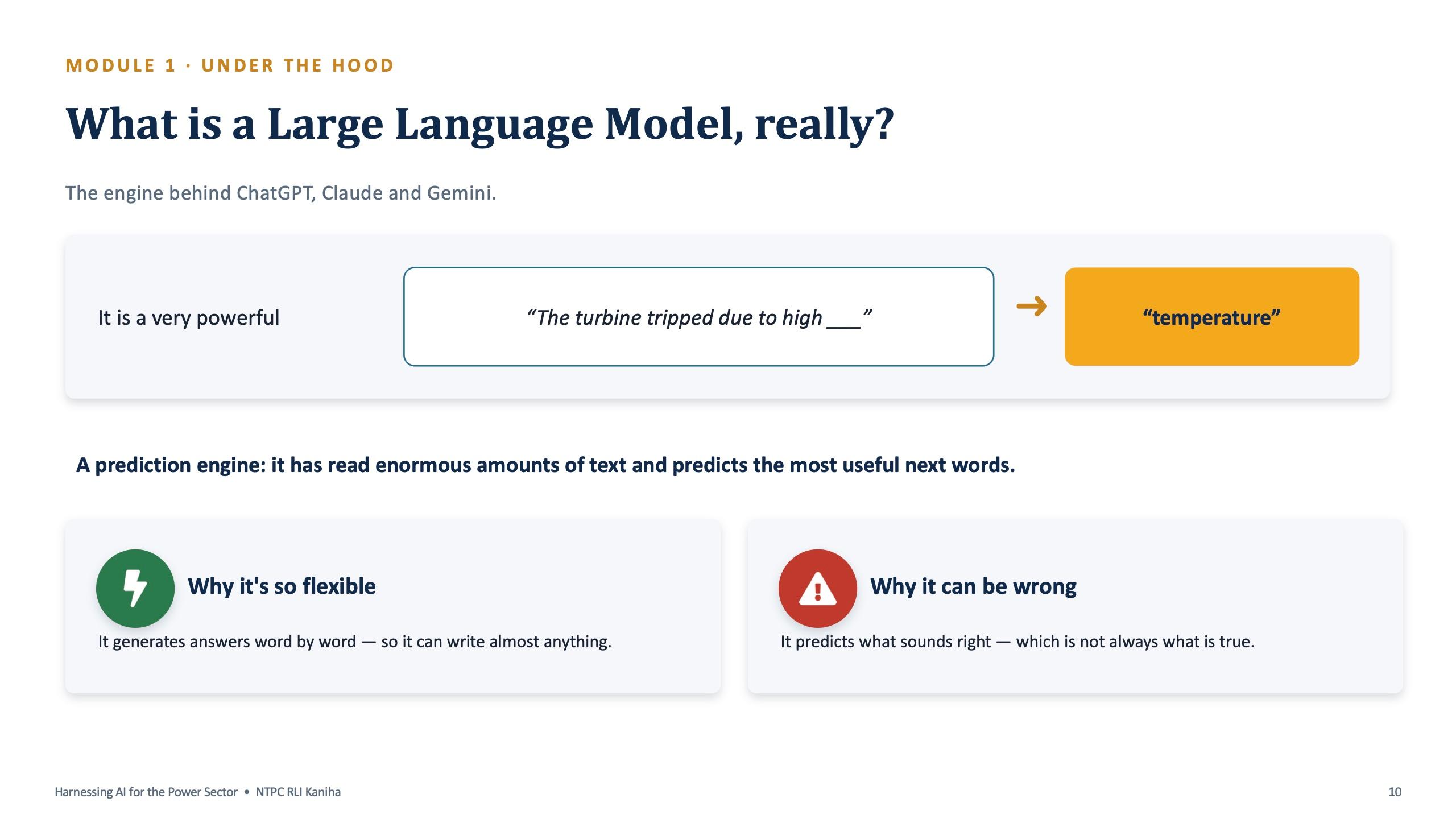
The most useful slide for non-technical staff explains a large language model through a sentence from the plant: "The turbine tripped due to high ___" becomes "temperature". It is a prediction engine. That one example explains both why it is so flexible and why it can be confidently wrong.
The module also includes a short "spot the category" pair exercise, where participants decide whether a task is machine learning, deep learning or generative AI. Forecasting demand, detecting a turbine fault from vibration data and drafting minutes each fall into a different box.
Module 2: CRAFT, and the weak-versus-strong prompt
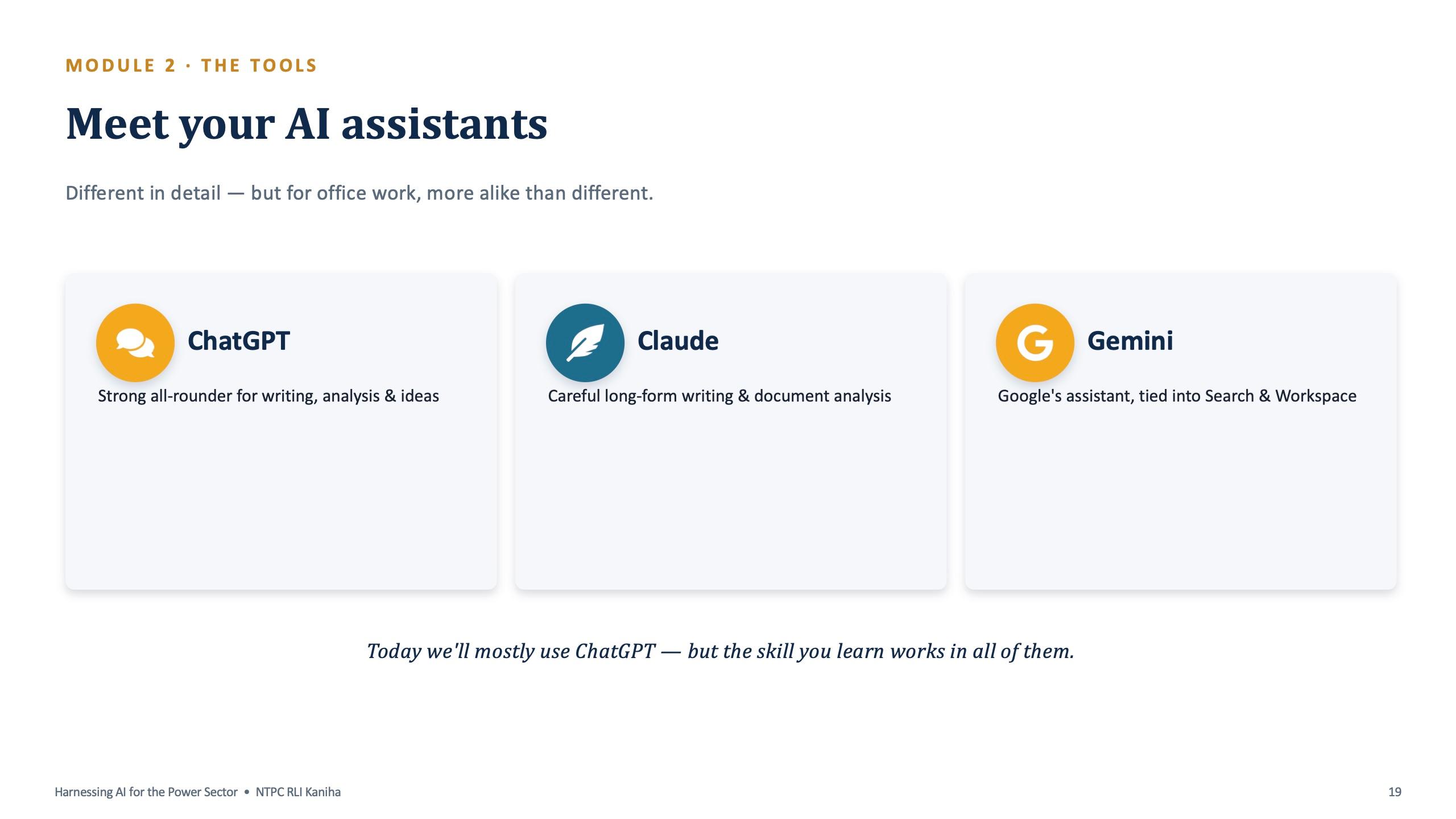
The second module (11:15 to 1:00) is the hands-on core of the day. It starts with the three assistants, ChatGPT, Claude and Gemini, and says plainly that for office work they are more alike than different. The room mostly used ChatGPT, because the skill transfers to all of them.
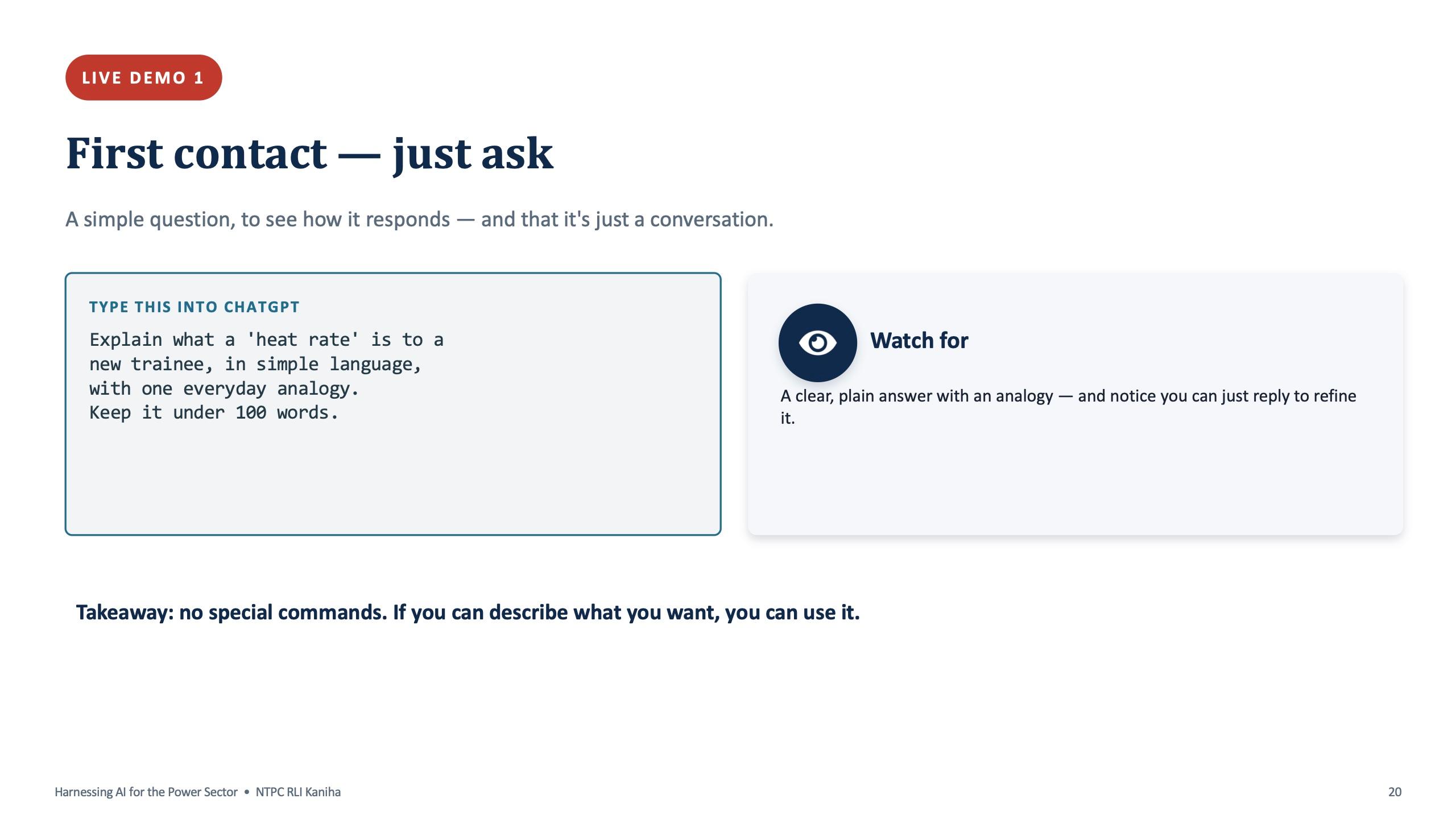
Live Demo 1 is deliberately simple. The trainer asks the AI to explain what a heat rate is to a new trainee, with an everyday analogy in under 100 words, and then asks for it to be simpler. The point is that there are no special commands. It is a conversation.
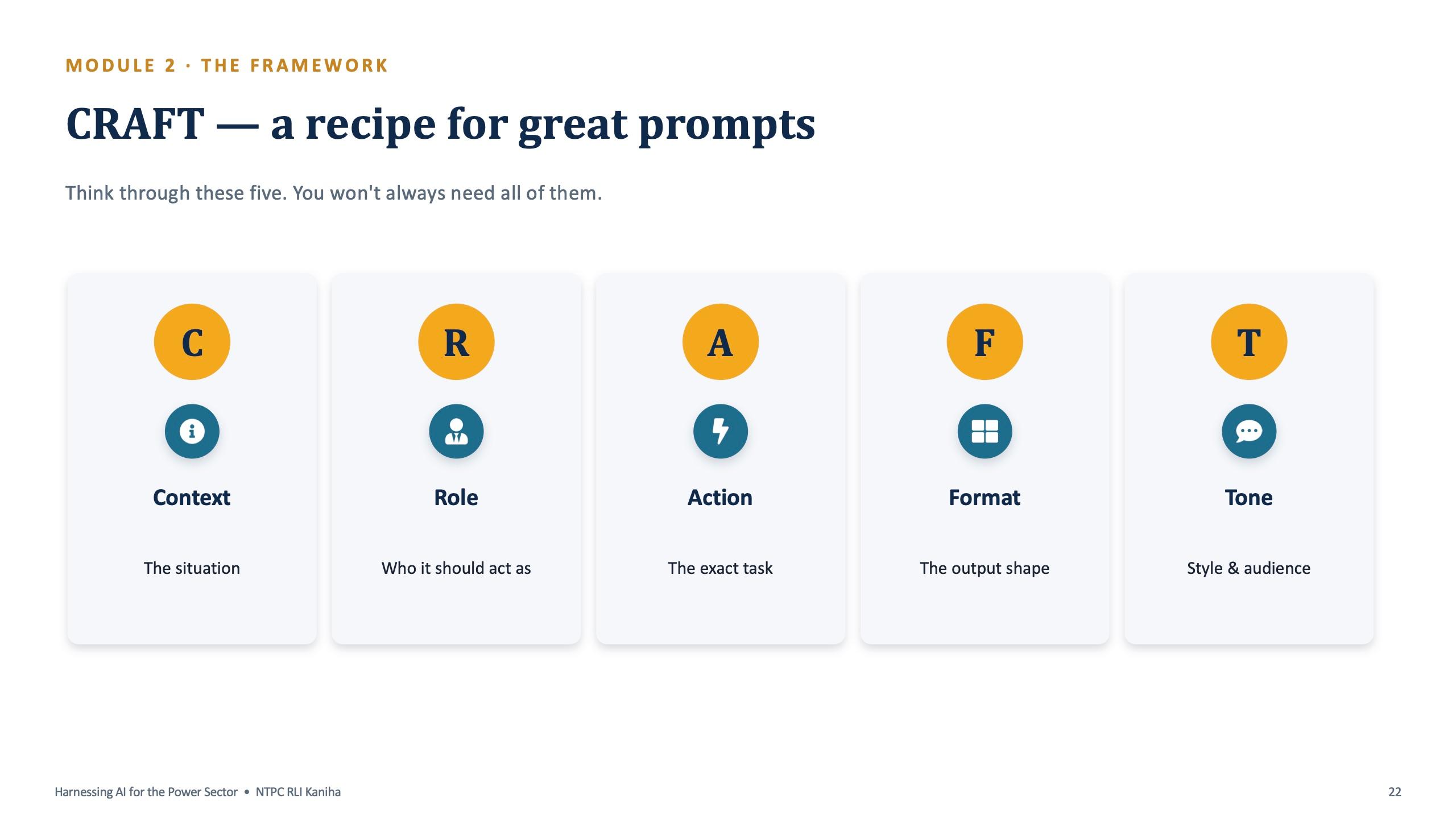
Then comes CRAFT: Context, Role, Action, Format, Tone. Live Demo 2 runs the same request twice. The lazy version is "write about a pump problem". The CRAFT version gives the context (a boiler feed pump has tripped twice this week on high bearing temperature, with maintenance on Sunday), the role (an experienced O&M engineer), the action (a note for the shift in-charge), the format and the tone.
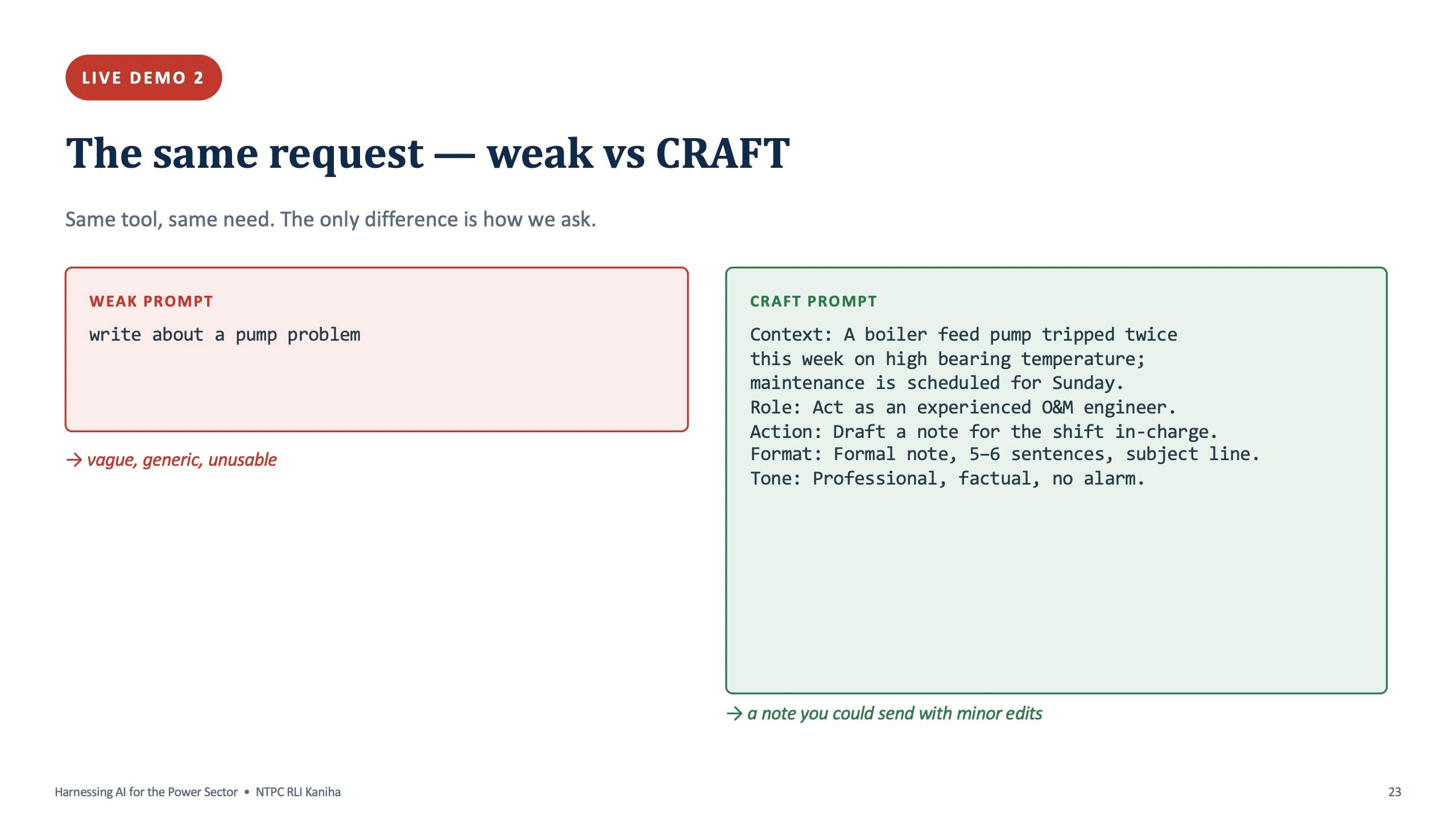
CRAFT prompt from the live demo
Context: A boiler feed pump tripped twice this week on high bearing temperature; maintenance is scheduled for Sunday. Role: Act as an experienced O&M engineer. Action: Draft a note for the shift in-charge about the issue and the plan. Format: Formal note, 5 to 6 sentences, with a subject line. Tone: Professional, factual, no alarm.
Swap in your own equipment and situation, and keep all five lines.
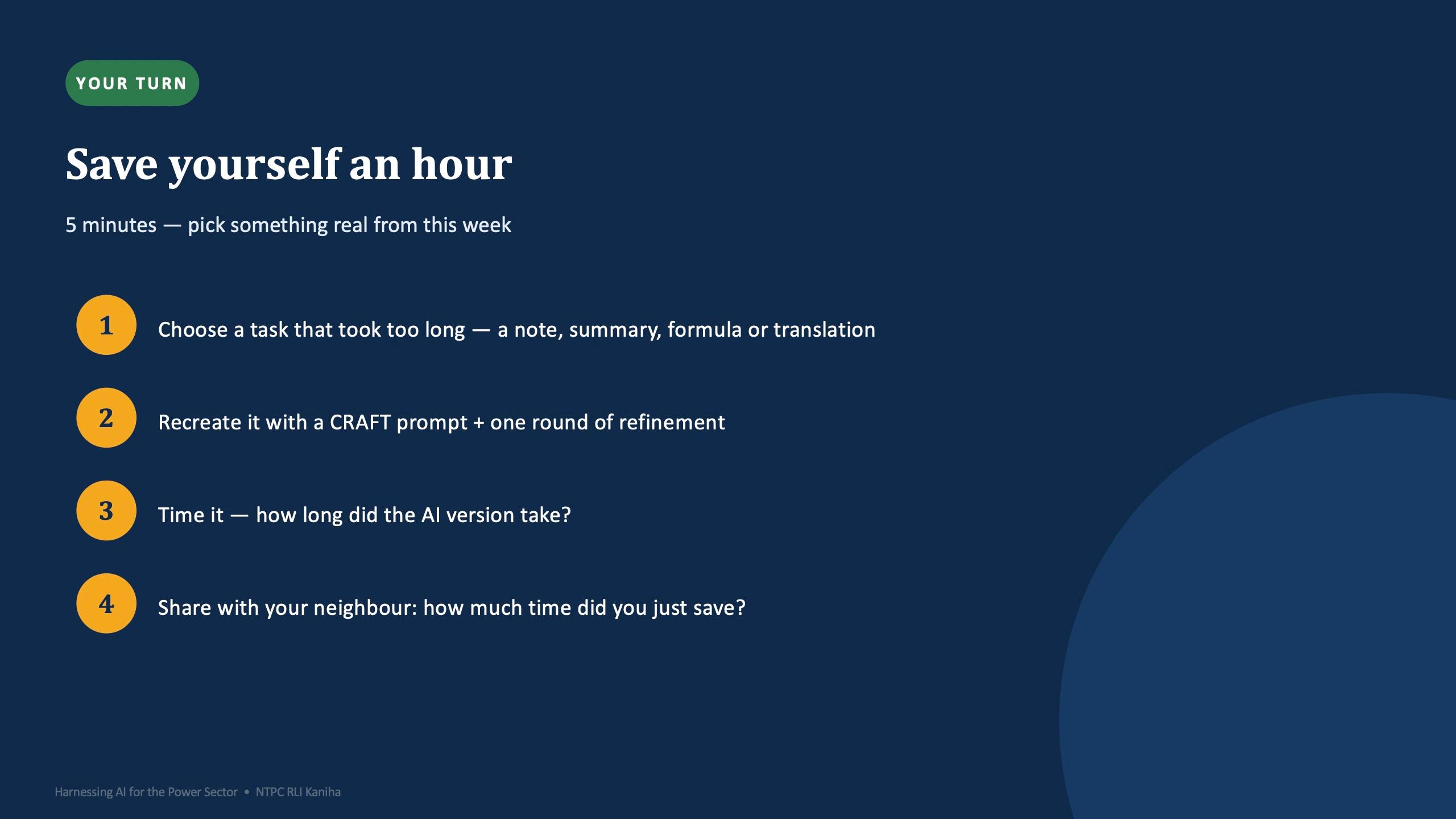
Participants then built their own. The practice sheet gave them a scenario: a cooling tower fan (cell number 3) has been making an abnormal noise since yesterday, and an inspection is planned for tomorrow morning. They wrote a five-part CRAFT prompt for a note to the shift in-charge, ran it, then changed only the tone to "more urgent" and ran it again. The common misses the trainer watches for are the Format (the answer comes back too long) and the Tone (it sounds wrong).
Three reusable prompt patterns closed the module: summarise for a busy manager, draft a polite email, and explain a concept to a new trainee. People copy them and swap the bracketed parts.
Module 3: AI across a power station
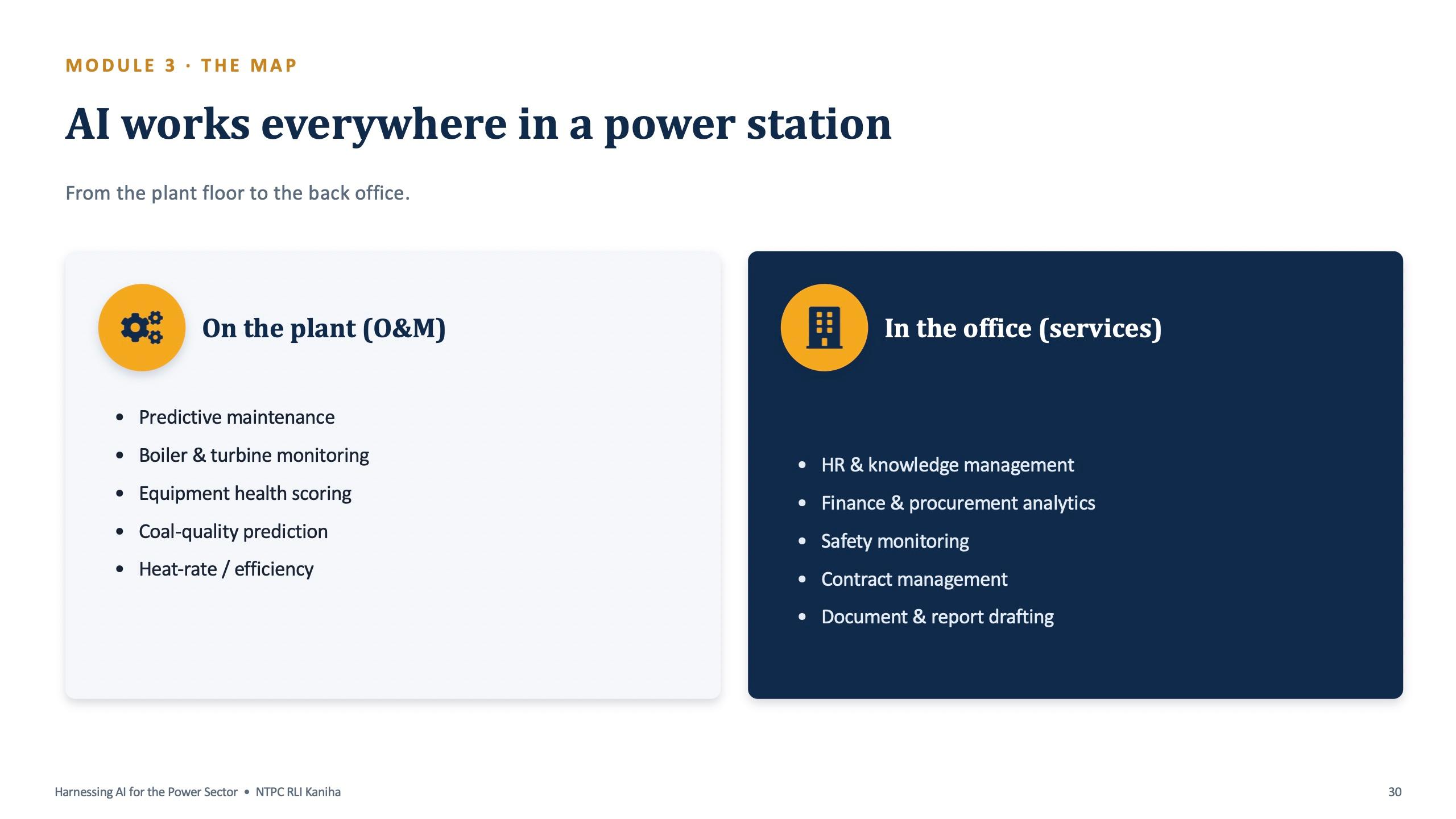
After lunch the deck turns to NTPC itself. A single slide maps where AI works in a power station: on the plant (predictive maintenance, boiler and turbine monitoring, equipment health scoring, coal-quality prediction, heat-rate improvement) and in the office (HR and knowledge management, finance and procurement analytics, safety, contract management, document and report drafting).
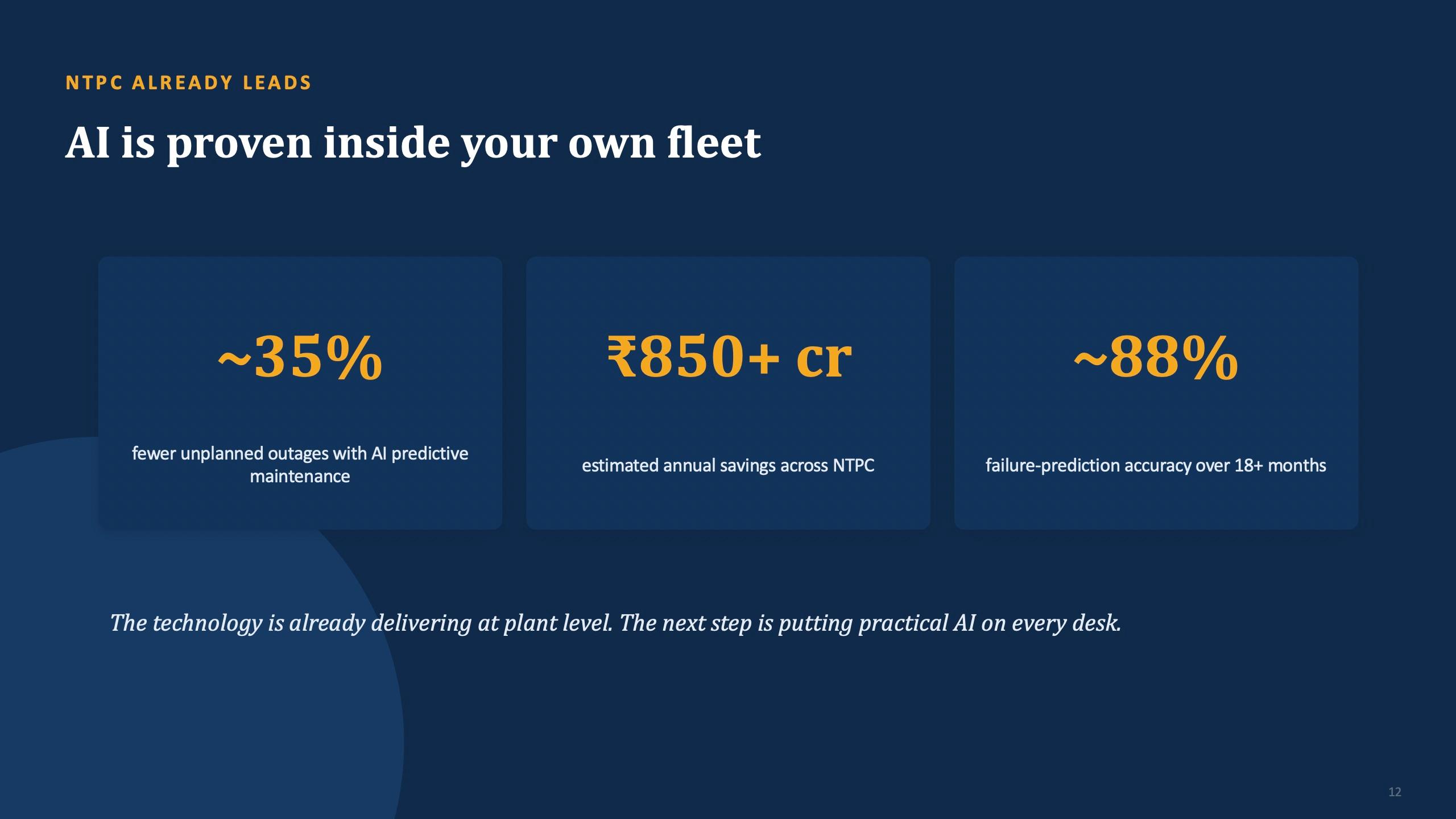
The deck cites NTPC's own AI results as a motivator: roughly 35% fewer unplanned outages with AI predictive maintenance, an estimated ₹850 crore or more in annual savings, and about 88% failure-prediction accuracy sustained over 18 months or more. These are the figures quoted on the slide for the room, not results measured by this training. The point they make is that AI already works inside the fleet, and the next step is putting practical AI on every desk.
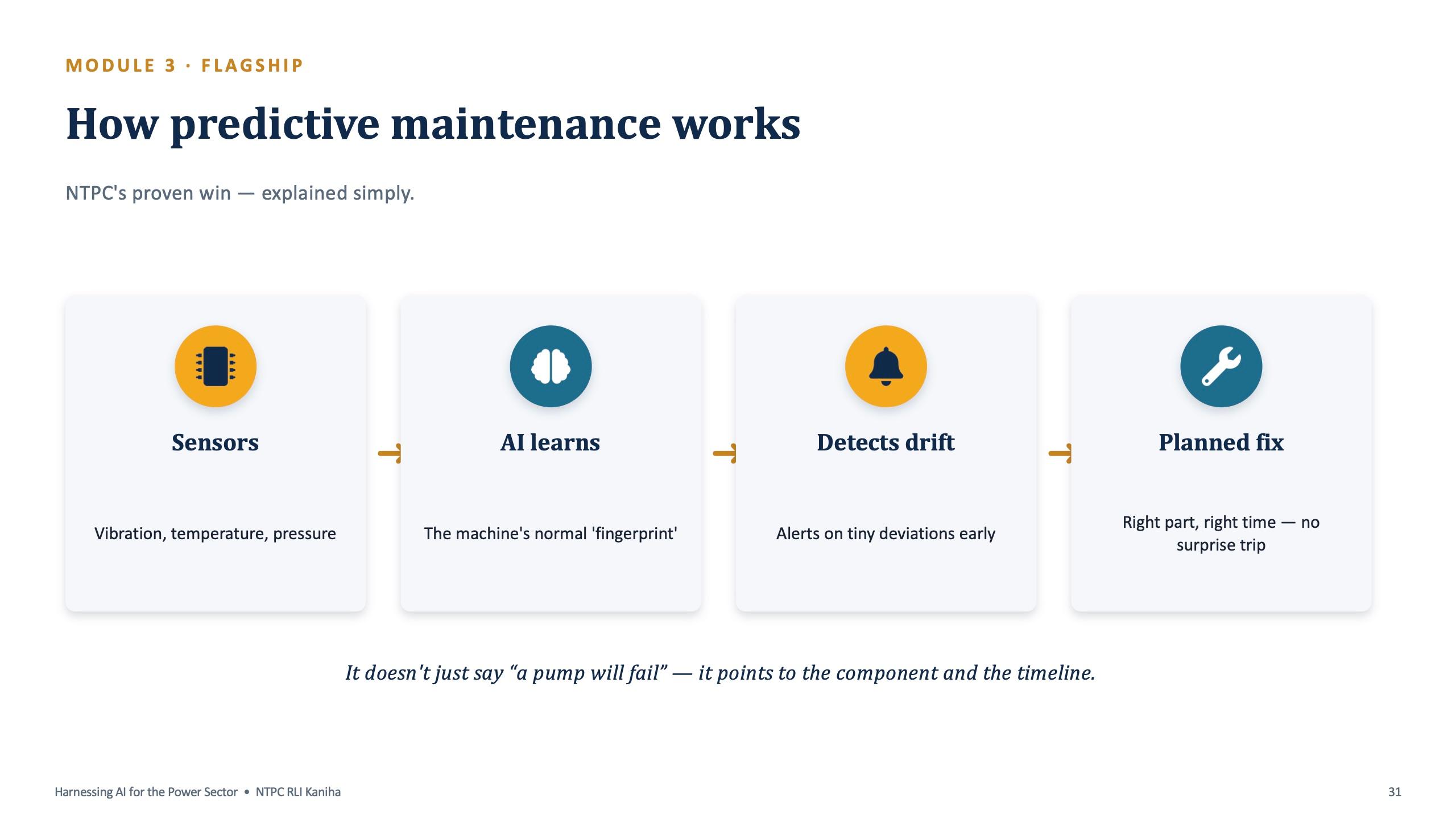
The flagship slide explains predictive maintenance in four steps: sensors, the AI learning the machine's normal fingerprint, detection of small drifts, and a planned fix, so there is no surprise trip. It points to the component and the timeline, not just "a pump will fail".
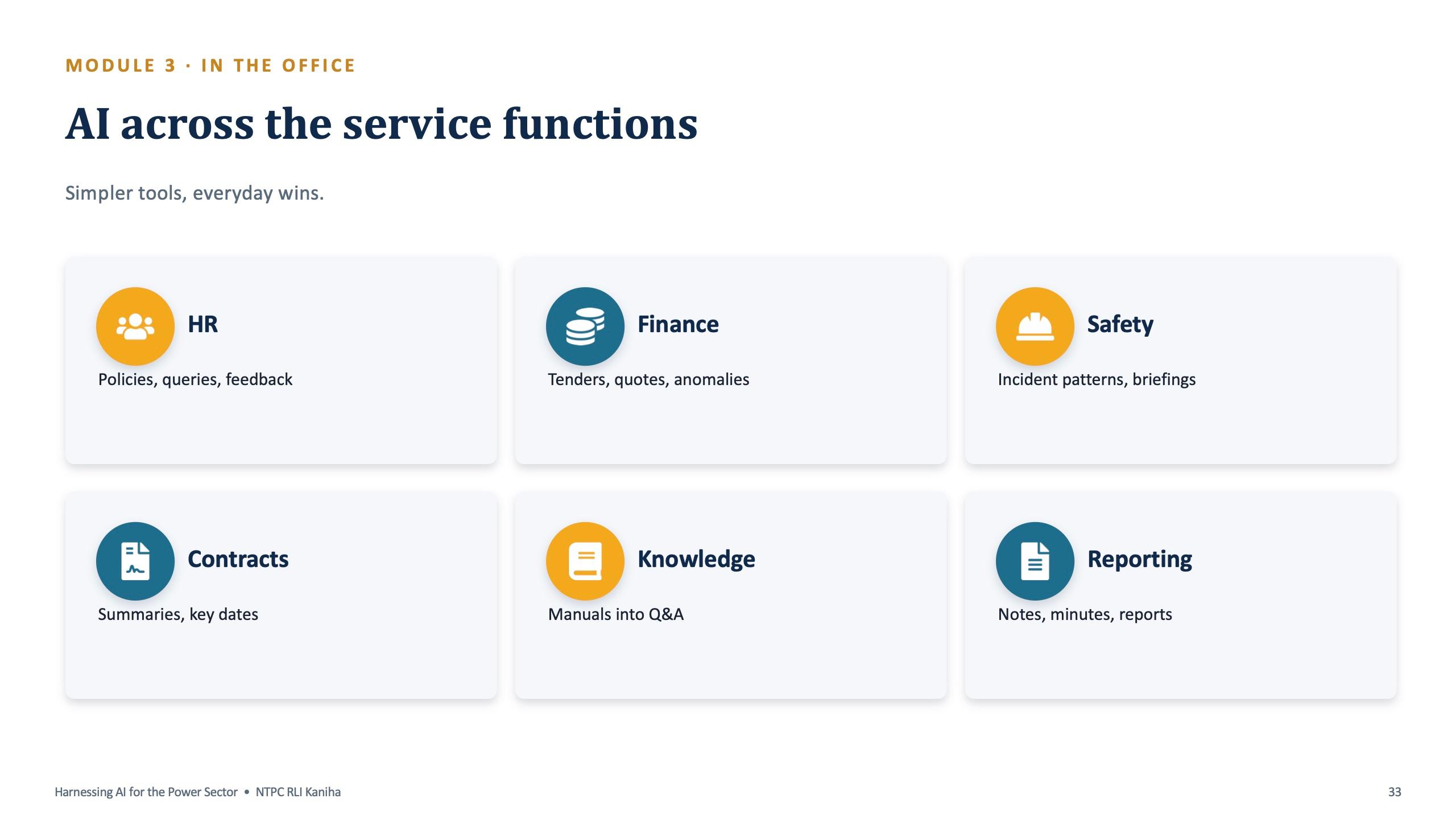
Module 3 ends with a six-minute group exercise, "map AI to your function". Each group lists three routine tasks in its area, writes one sentence on how AI could help with each, and names one risk to watch, either accuracy or data safety. One person from each group presents the best idea in 60 seconds.
Module 4: four live demos on everyday office work
The fourth module (5:00 to 6:00) covers the tasks every officer does: notes and emails, minutes of meeting, presentations, Excel help, translation and summaries. Each has a live demo and a prompt participants keep. The rhythm, stated in the facilitator pack, is "I show it once, you try it once", with demos kept to two or three minutes.
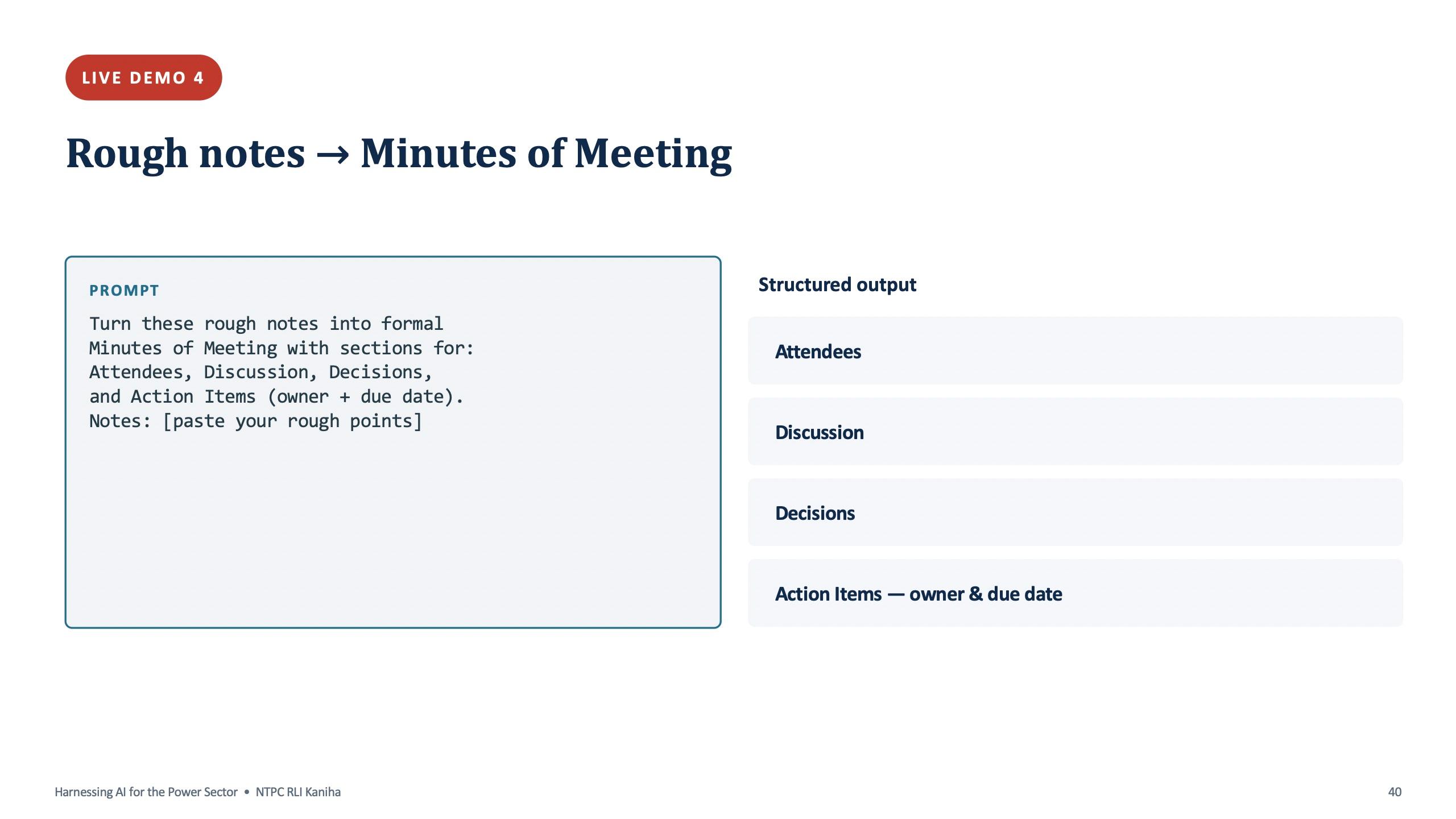
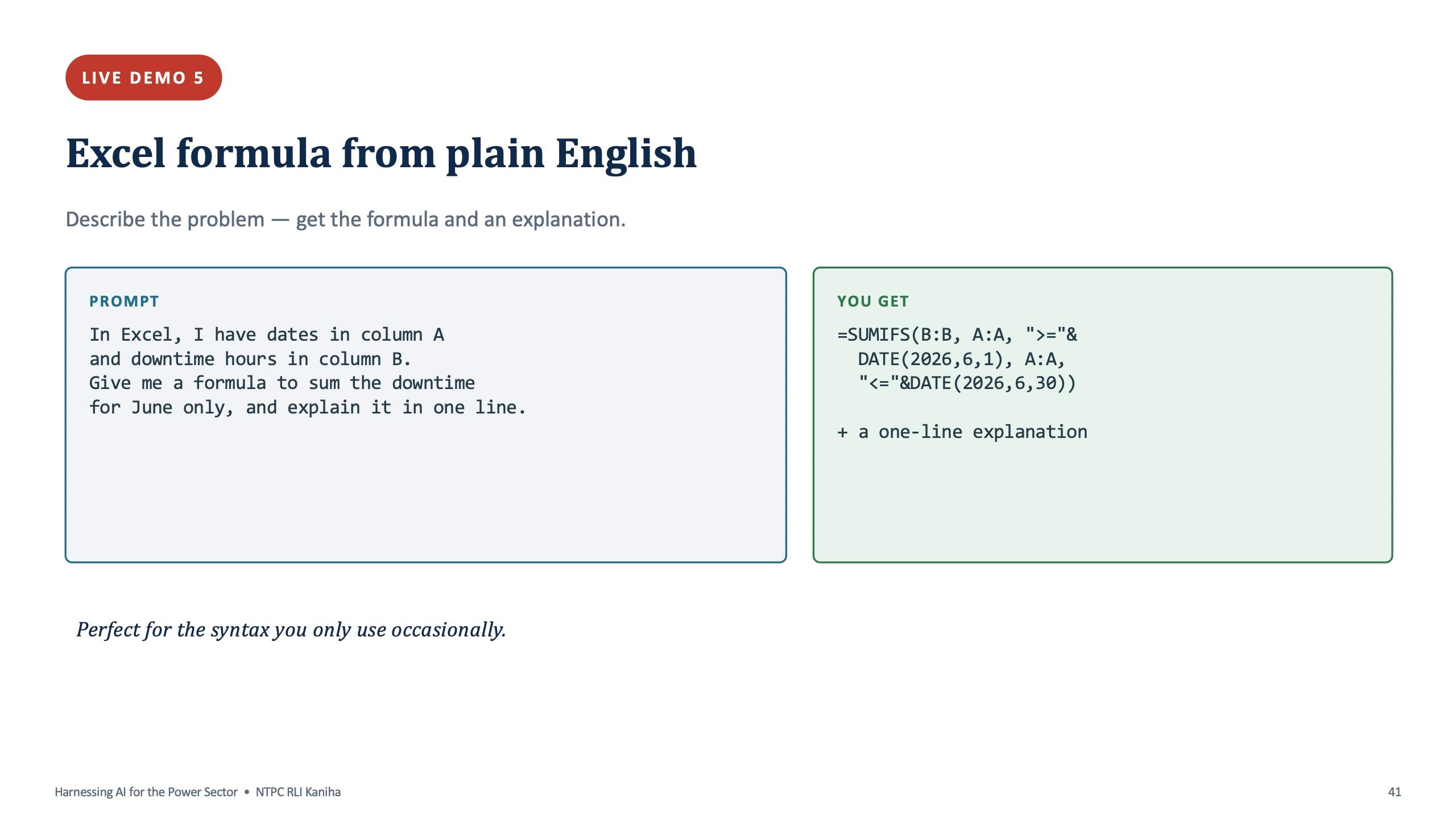
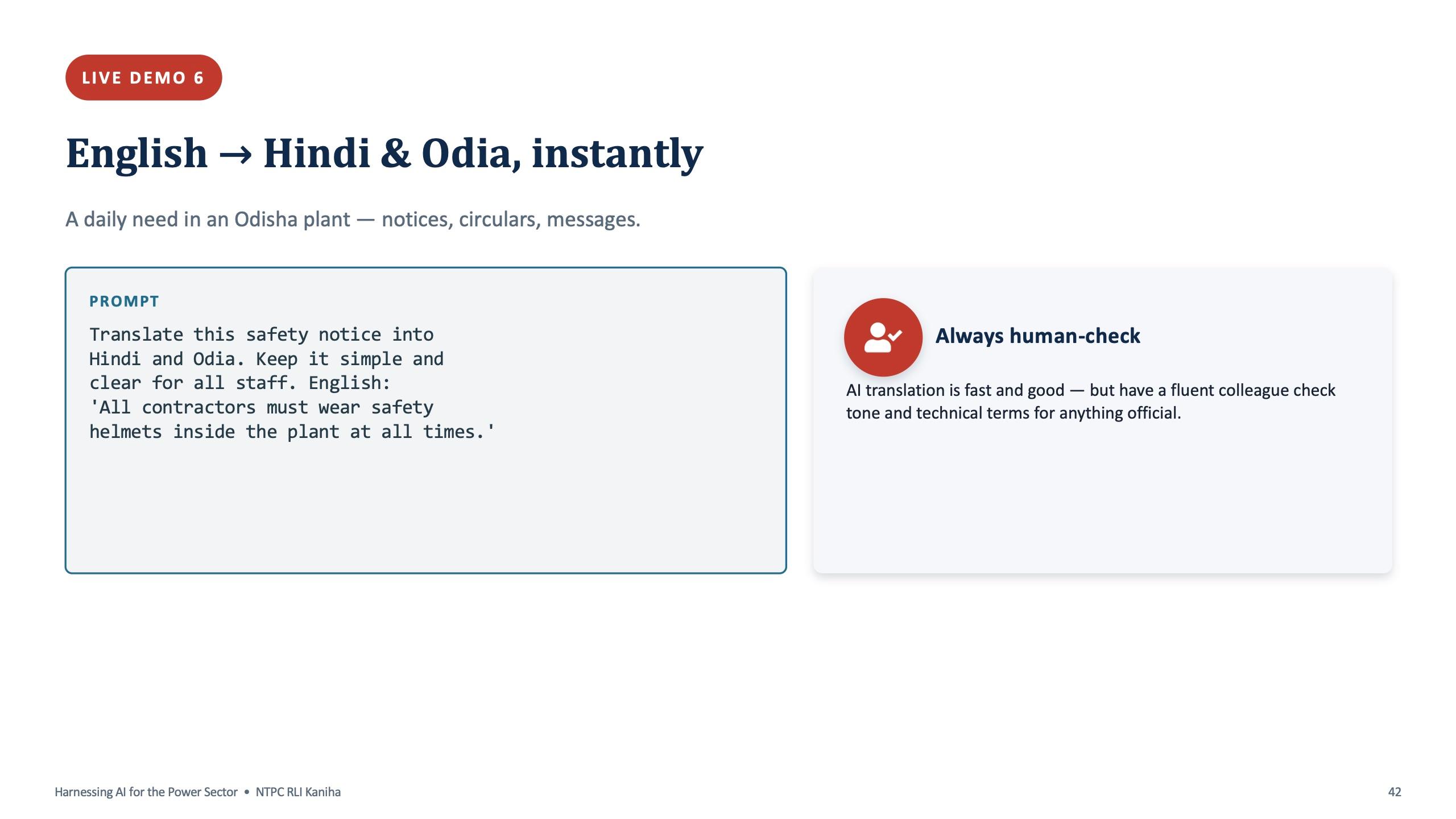
The official-note demo turns three rough points about a lift under maintenance into a formal note with a subject line. The minutes demo turns deliberately messy notes from a safety review into Attendees, Discussion, Decisions and an action table with owner and due date. The Excel demo describes the problem in plain English (dates in one column, downtime hours in another, total for June) and gets back a formula and a one-line explanation. The translation demo turns a contractor safety-helmet notice into Hindi and Odia.
For every demo, participants practise on different made-up data from the practice sheet: a water-supply interruption notice, notes from a maintenance planning meeting, and a downtime log built for the exercise. The translation slide ends with a rule worth repeating: AI translation is fast and good, but have a fluent colleague check tone and technical terms for anything official.
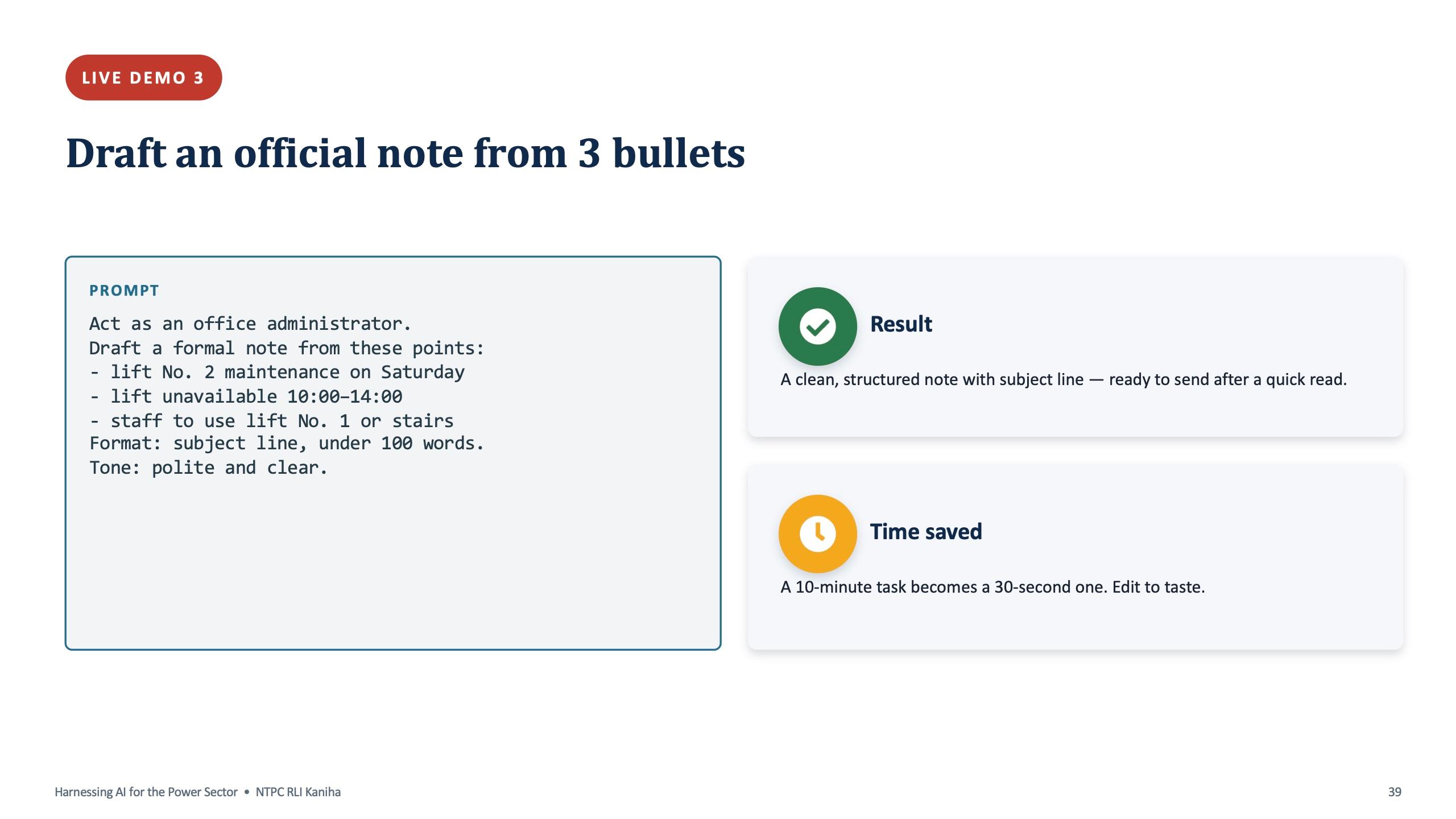
Official note from three bullets
Act as an office administrator. Draft a formal note from these points: - lift No. 2 maintenance on Saturday - lift unavailable 10:00 to 14:00 - staff to use lift No. 1 or stairs Format: subject line, under 100 words. Tone: polite and clear.
Rough notes to minutes of meeting
Turn these rough notes into formal Minutes of Meeting with sections for Attendees, Discussion, Decisions, and Action Items (owner + due date). Notes: [paste your rough points]
Use made-up or anonymised notes in a public AI tool.
Module 5: the rules that make it safe
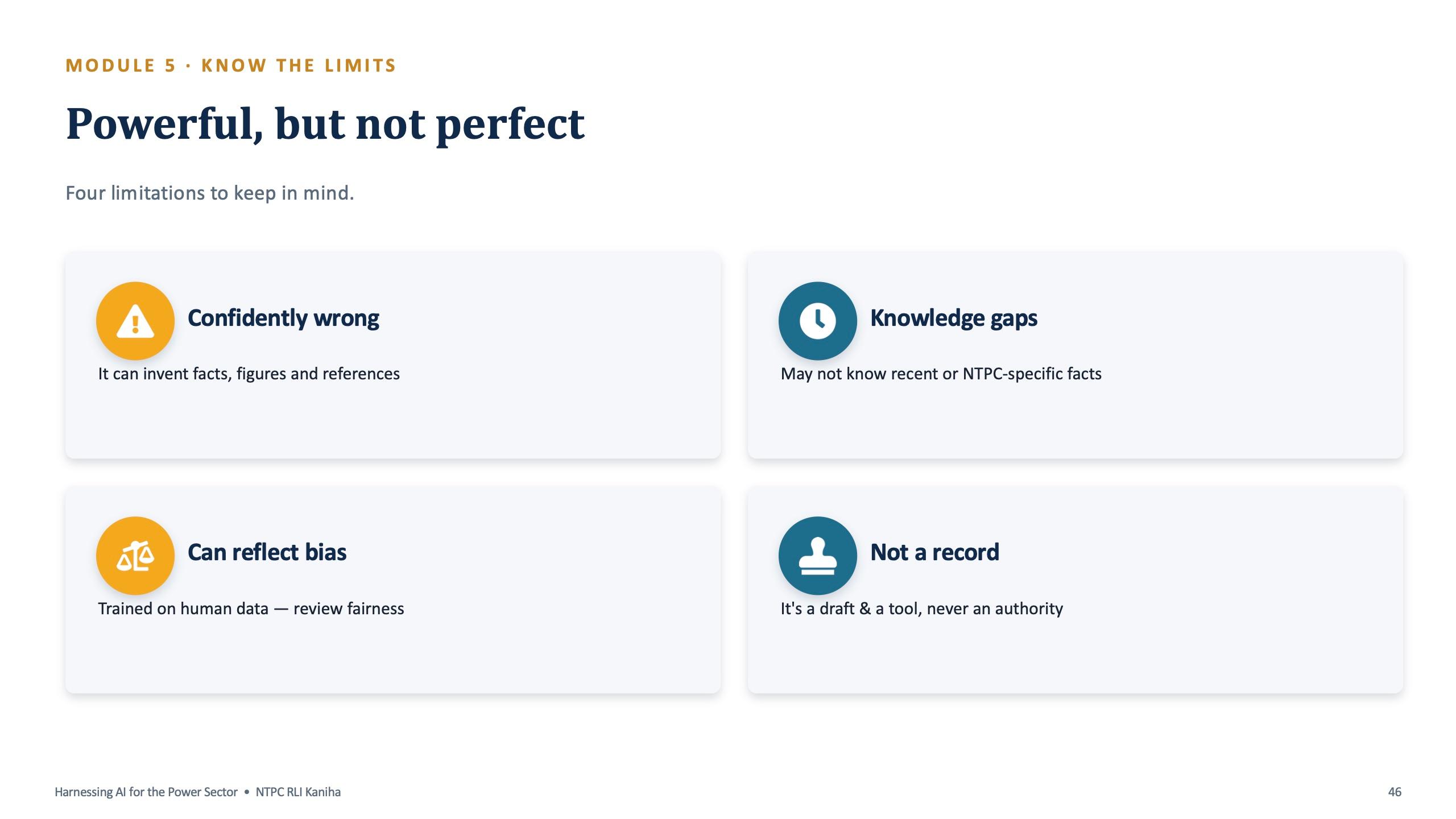
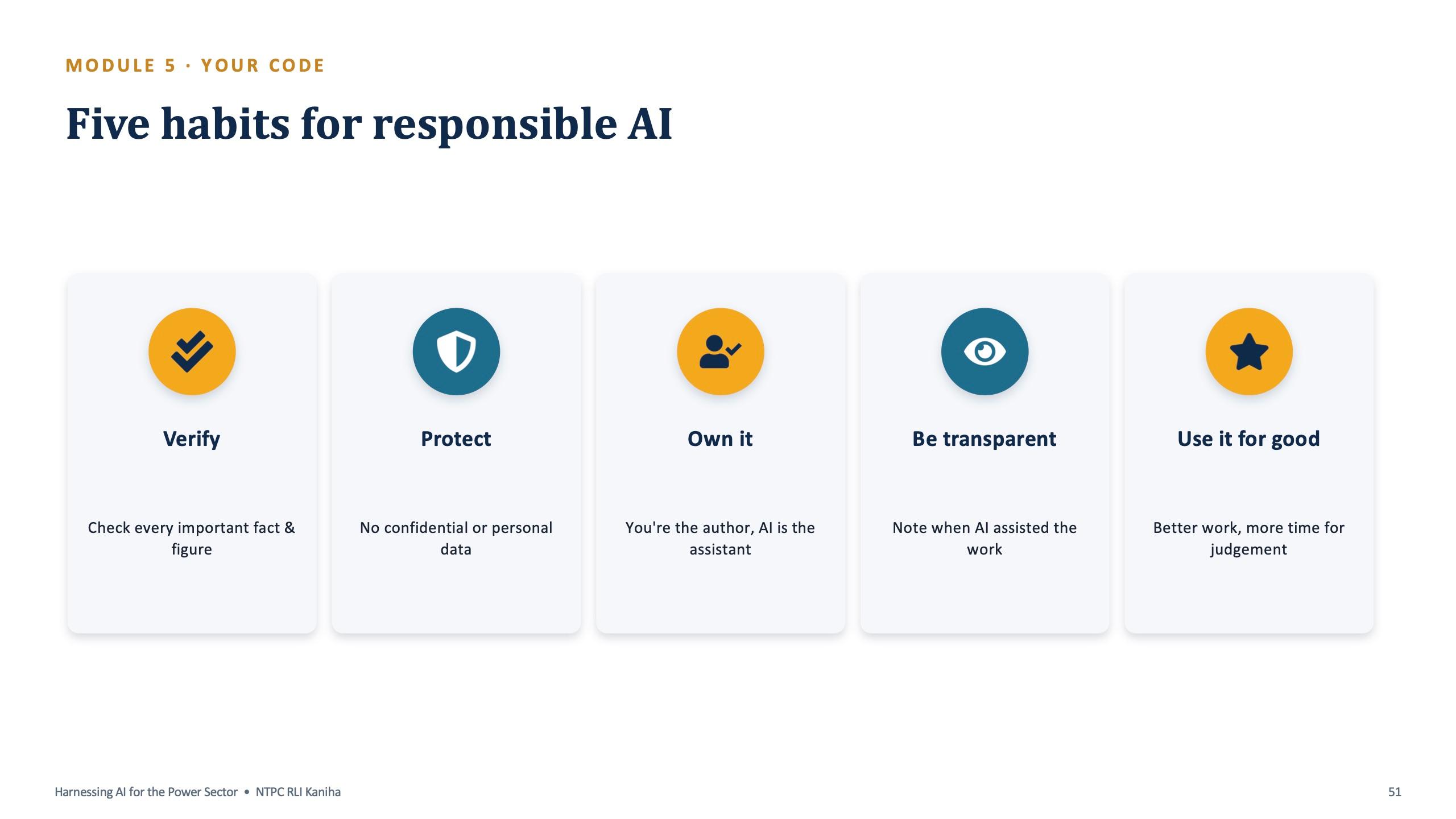
The last module (6:00 to 6:25) was written for a public-sector undertaking. It lists the limits plainly: AI can be confidently wrong, can reflect bias, may not know recent or NTPC-specific facts, and is a draft and a tool, never an authority.
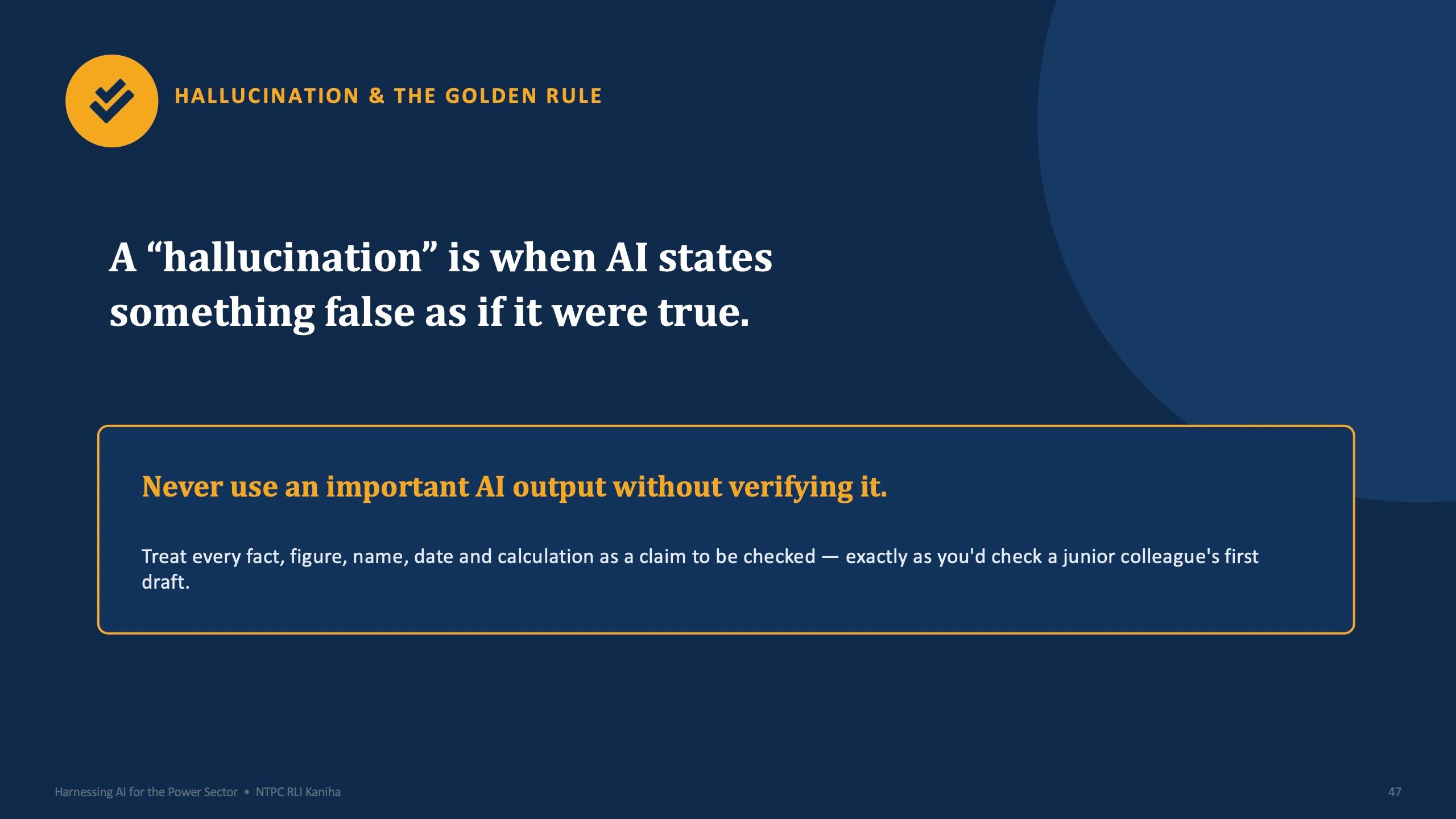
The golden rule is on a single slide: never use an important AI output without verifying it. Every fact, figure, name, date and calculation is treated as a claim to check, the way you would check a junior colleague's first draft.
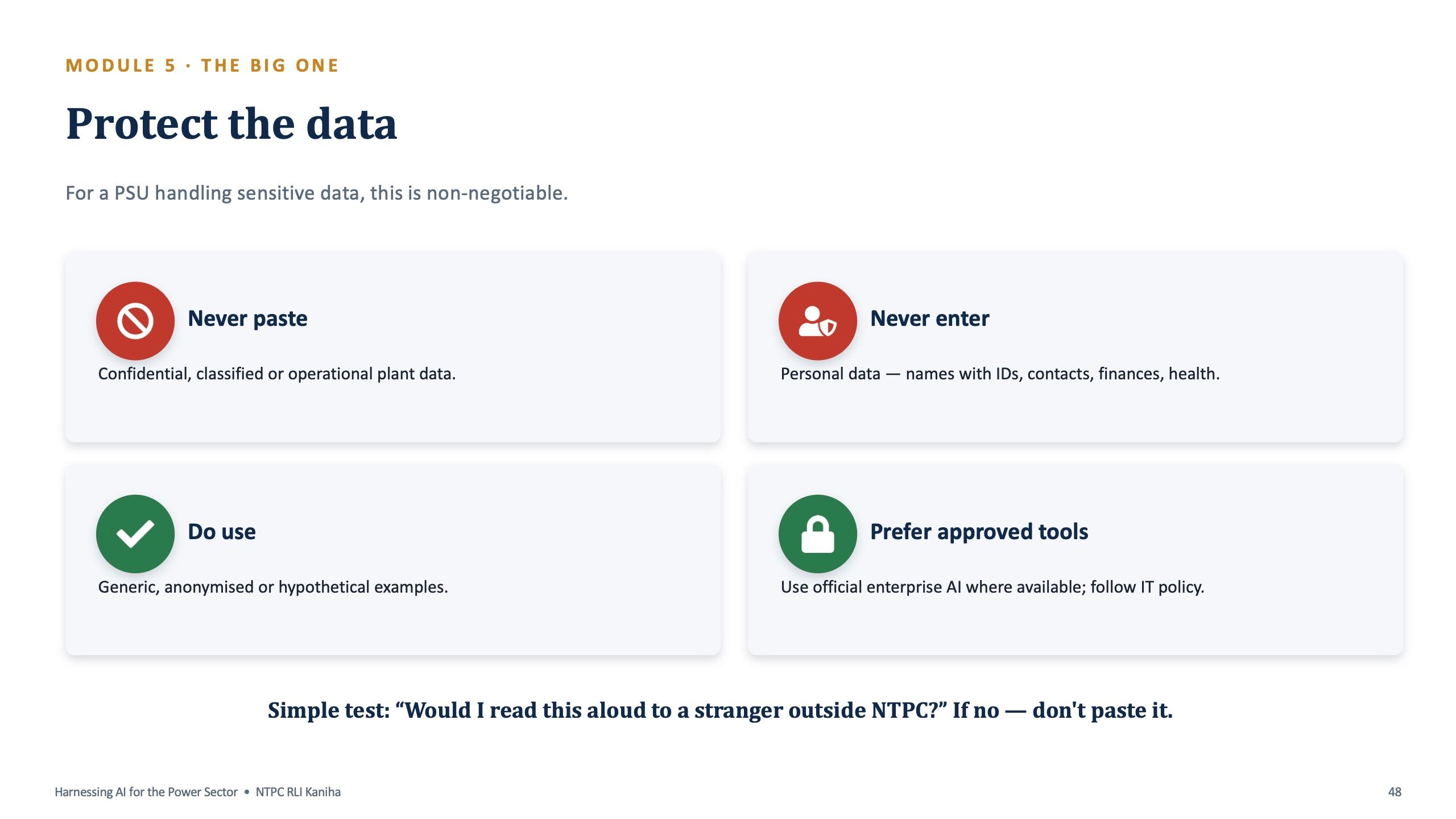
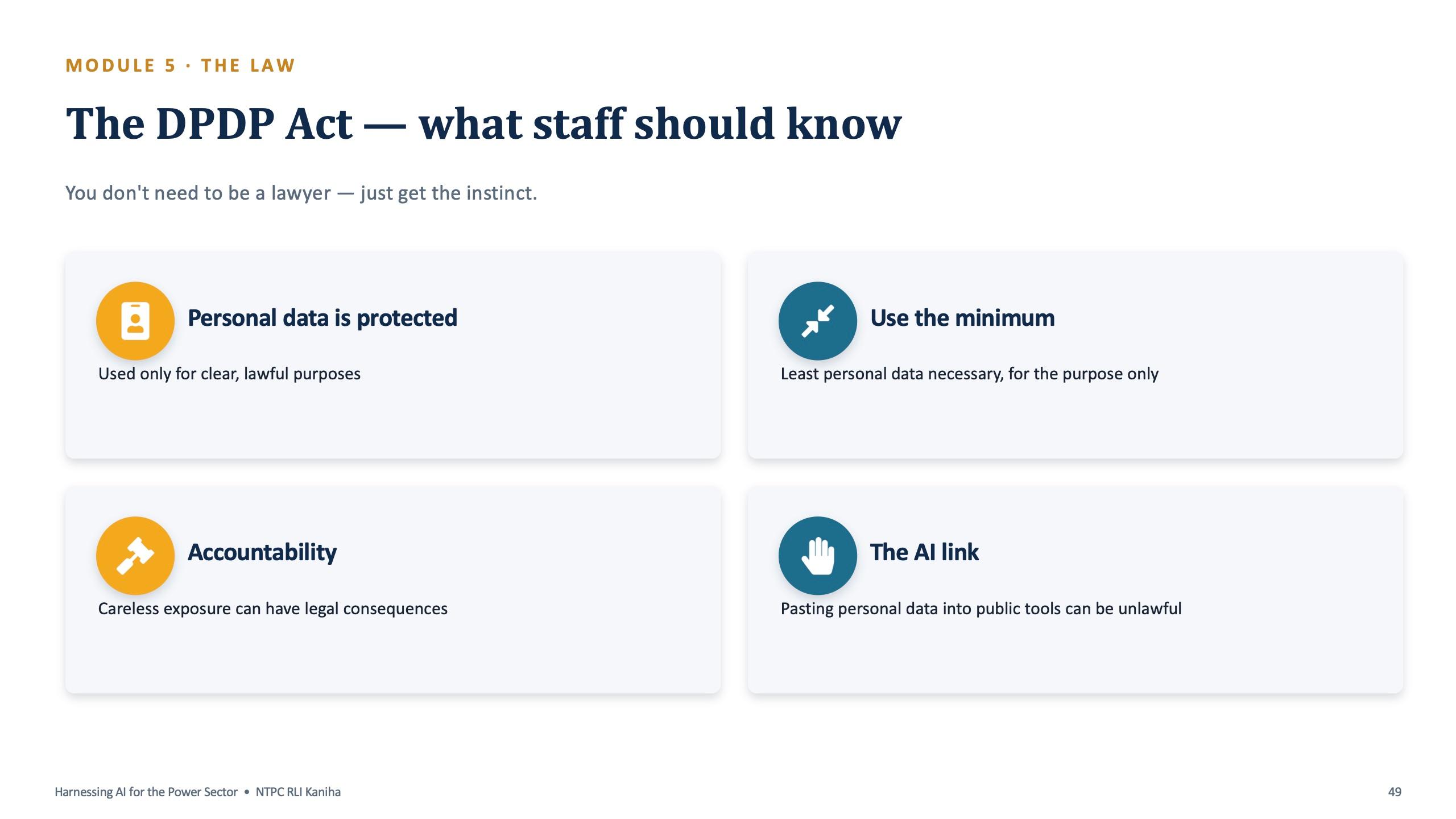
The data slide is the one people photograph. Never paste confidential, classified or operational plant data. Never enter personal data such as names with IDs, contacts, finances or health. Prefer approved tools and follow IT policy. The test on the slide is simple: would I read this aloud to a stranger outside NTPC? If not, don't paste it. A following slide gives staff the instinct for the DPDP Act: personal data is protected, use the minimum, and pasting it into public tools can be unlawful.
What participants took home
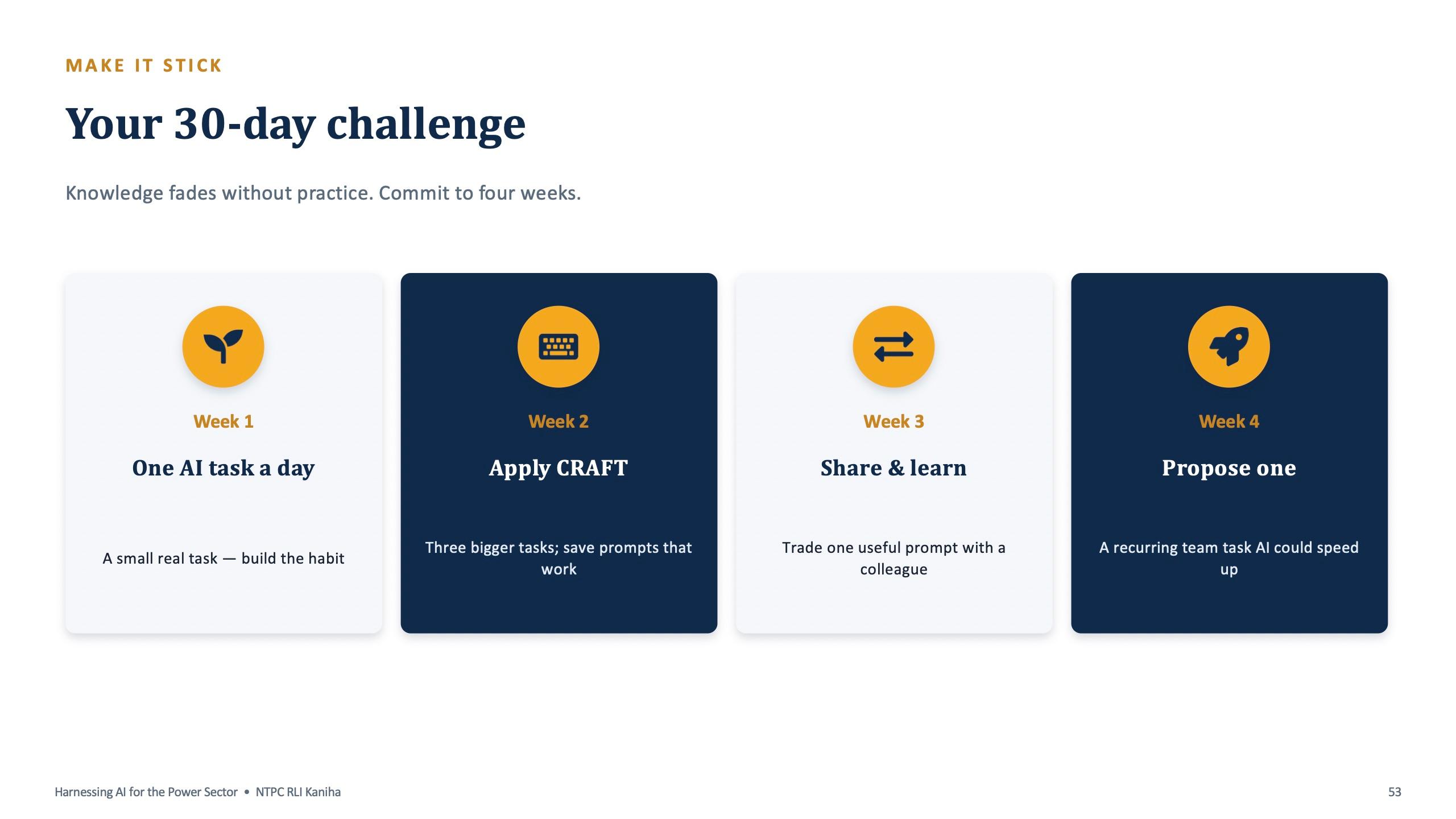
The day ended with a quiz and a 30-day challenge, because knowledge fades without practice. Week one is one small real AI task a day. Week two is applying CRAFT to three bigger tasks and saving the prompts that work. Week three is trading one useful prompt with a colleague. Week four is proposing one recurring team task that AI could speed up.
Participants also received a short session summary written for non-technical readers, covering ten topics: the three main assistants, the GenAI to AI-agent to agentic-AI ladder, prompt and context engineering, connectors, Projects and Gems, Skills, Excel data, presentations, building a website with Lovable, and AI inside email, YouTube, Docs and Sheets. It closes with the same two rules: keep data safe and always check the output.
Takeaway for other organisations
Sector-specific examples did the work in this session. A heat-rate explanation, a boiler feed pump note and a downtime log made the tools feel like part of the station, not a software-company topic. If your team works in energy, manufacturing, utilities or another operations-heavy field, a tailored session is the fastest way to start.
For teams in the public sector, the safety module is not optional. Build it in with your own IT and data policy. If you would like a session like this for your team, book a short scoping call below.
“Eye-opening session. I never imagined AI could help a place like NTPC in so many different ways. Surendra introduced us to sides of AI we had never considered.”
Frequently asked questions
Was the NTPC AI training online or on-site?
It was delivered live online on 9 July 2026, with the NTPC team gathered at RLI Kaniha. The programme was hands-on, with participants practising on their own devices.
Can AI training be customised for the energy and power sector?
Yes. Every example in this programme came from the power sector: a boiler feed pump trip, a cooling tower fan, a downtime log, a safety notice in Hindi and Odia. Surendra Pandar builds each session around the participants' real workflows.
Does the training use real plant or company data?
No. All practice uses made-up examples. The programme also teaches participants what must never be pasted into a public AI tool, including confidential, classified or operational plant data and personal data.
Which AI tools were used in the NTPC programme?
ChatGPT was the main tool for demos, with Claude and Gemini introduced, and Microsoft Copilot covered in the programme overview. The CRAFT prompt method works in all of them.
Is the DPDP Act covered in the training?
Yes. A short slide explains what staff should know: personal data is protected, use the minimum necessary, and pasting personal data into public tools can be unlawful. It is taught as an everyday instinct, not as legal advice.